
Review the agreement outside the signing window
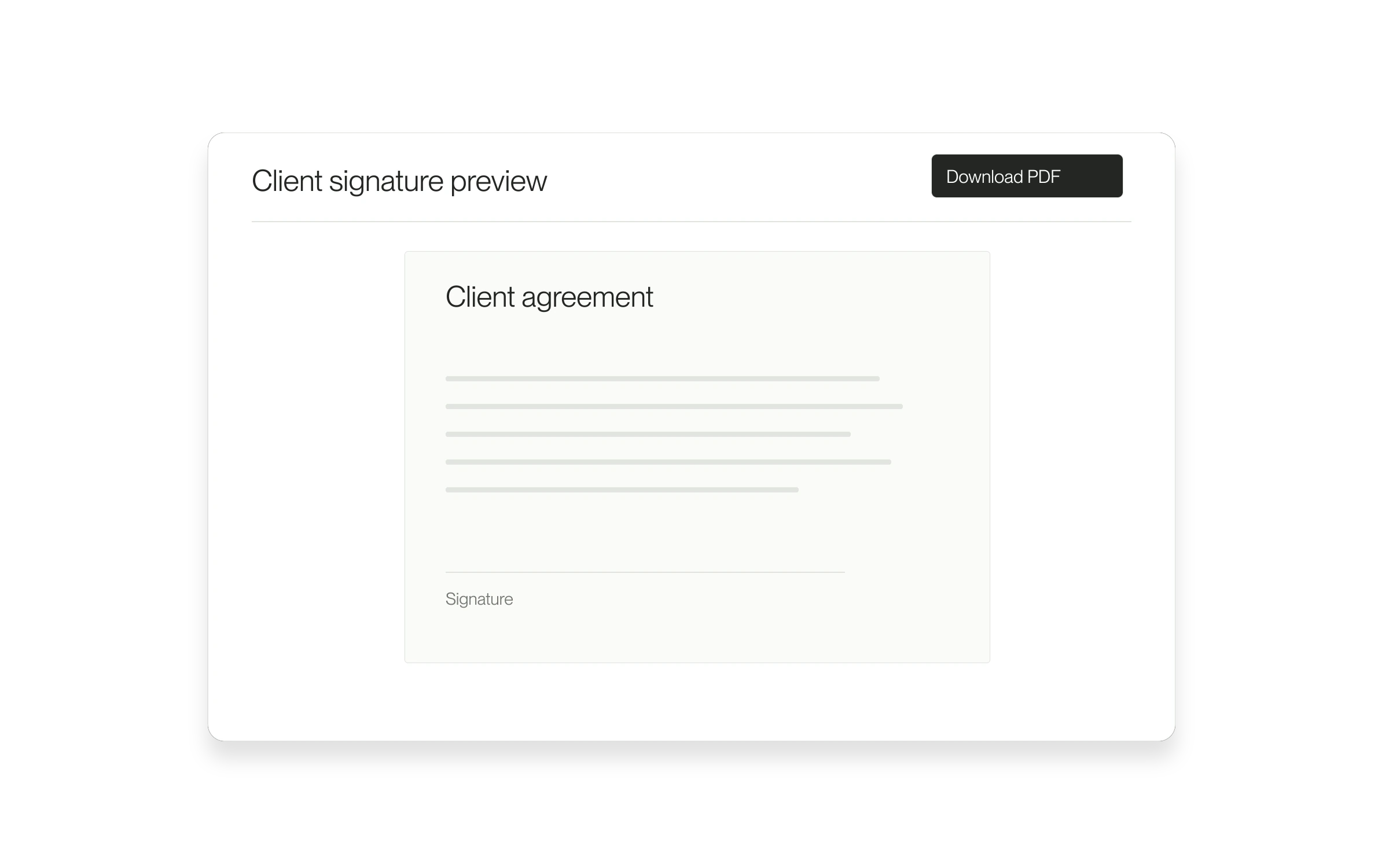
The standard client signing preview can now download the agreement as a PDF before you sign. Use it when you want to read the document at your own pace or keep a copy of what you are reviewing.
The problem it solves
An embedded signing preview is useful for completing the process, but you may also need the document outside that window. Download PDF gives you that copy without requiring a signature first.
How to use it
- Open the signing step of your dashboard offer.
- Find Client signature preview. If the preview is not loaded, select Load preview.
- Wait until Download PDF is available, then select it.
- Open the downloaded PDF and review the agreement. Return to the signing flow when you are ready to continue.
Know which copy you have
Downloading does not sign the agreement. A copy saved before signing is not proof of a completed signature. This feature does not create a general archive of signed documents.
Where it is available
The control appears for eligible accounts in the standard self-signing preview. External agreements, custom contracts, delegated signatures and already-signed agreements use different flows. If the download fails, retry; if it continues to fail, contact support with the position name and error.
Released September 15, 2026.
All release notes