
Hiring
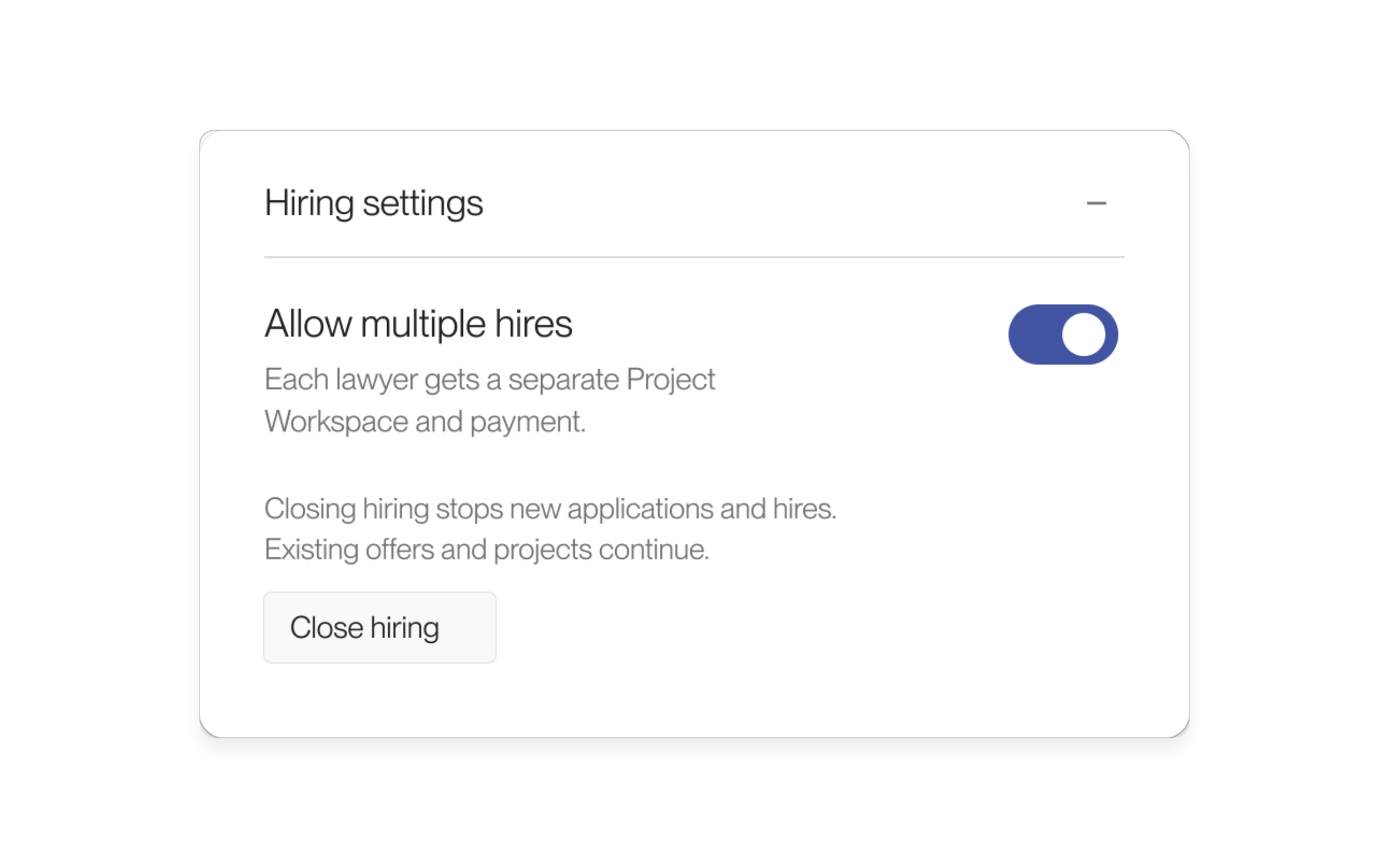
Hire multiple lawyers for one Project
Hire more than one lawyer for a small-business Project, with a separate workspace for each hire.
Read updateWhat's new at Lawtrades
New features, improvements, and fixes.
Hire more than one lawyer for a small-business Project, with a separate workspace for each hire.
Read update
Shared hourly recommendations stay connected to the intended hiring Project.
Read update
Download the agreement from your signing preview and review it as a PDF.
Read update
Agent’s attachment picker now accepts ZIP archives and more business file formats.
Read update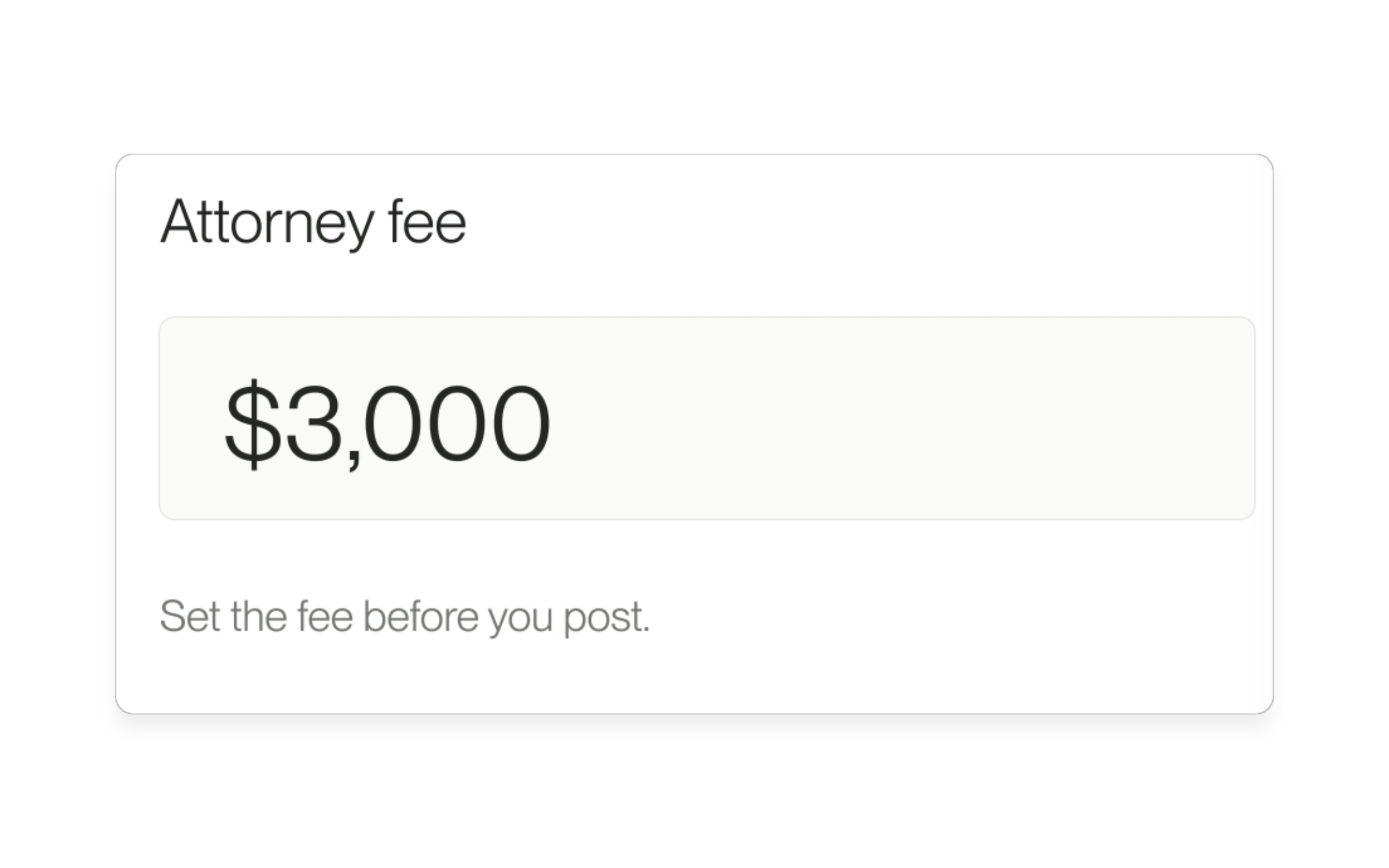
Set the attorney fee before you post. Lawyers apply at that fee, and you see the full cost before you hire.
Read update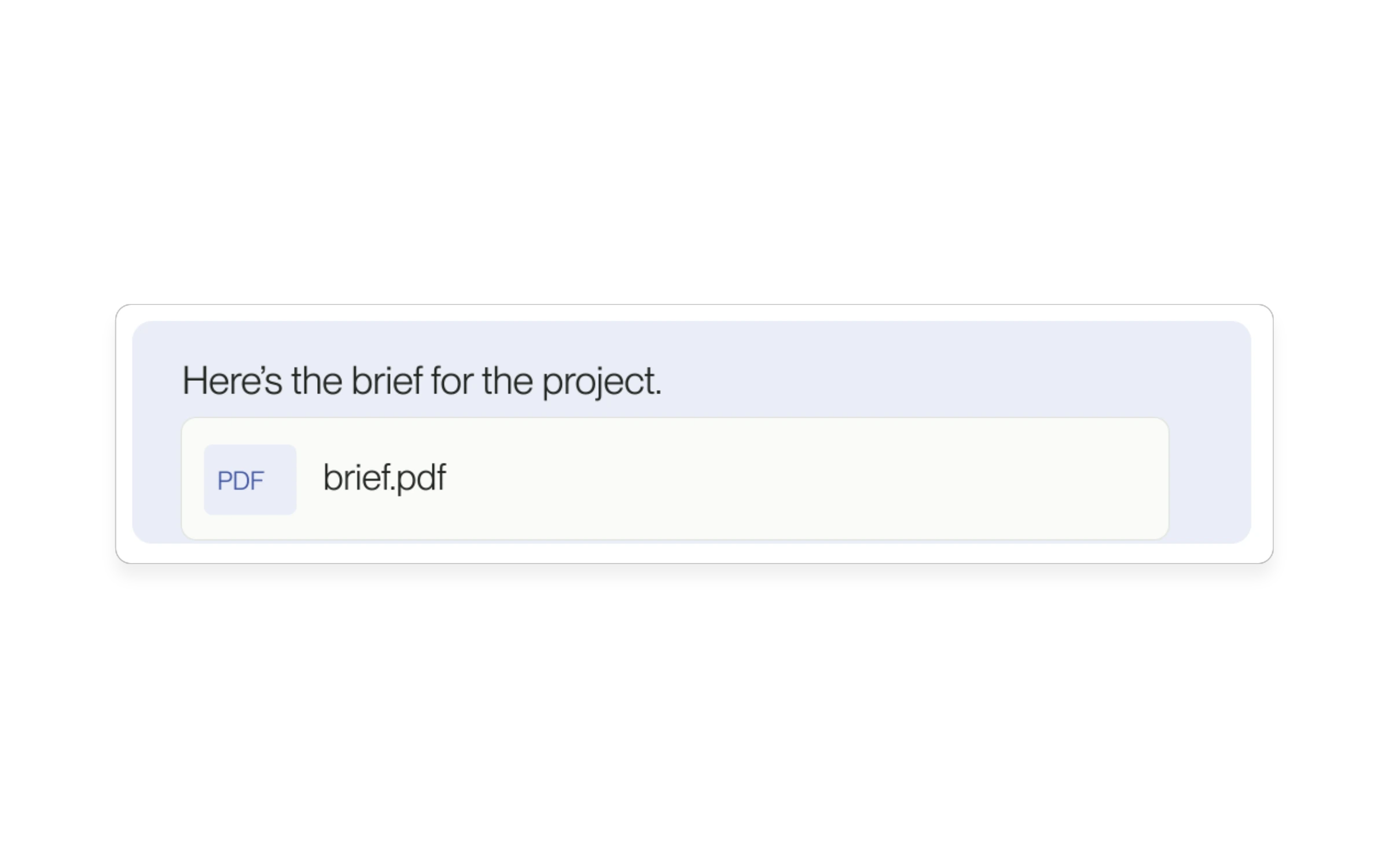
Send documents in your Project conversation before hiring a lawyer.
Read update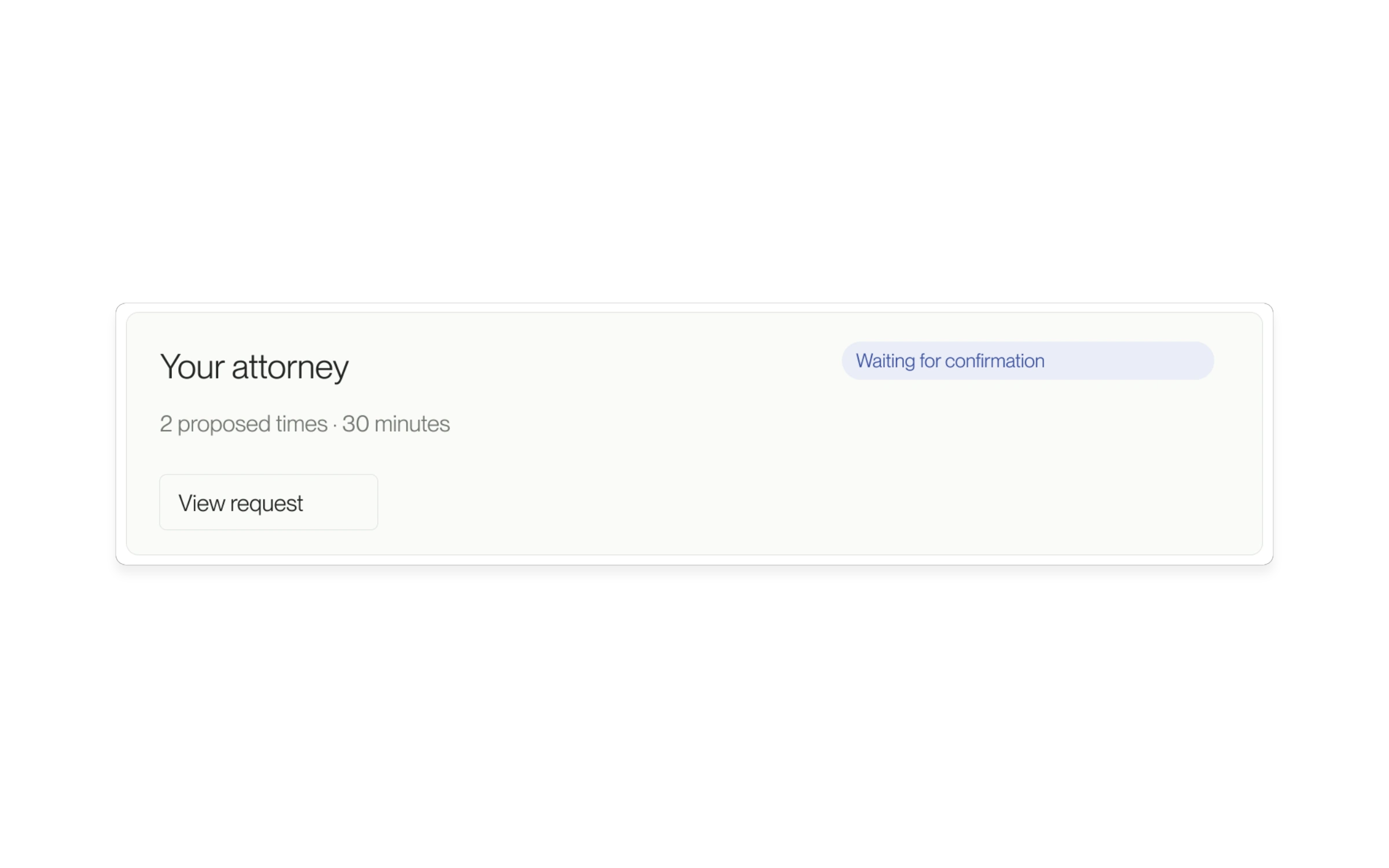
Schedule an interview from a candidate or message thread. Keep the request, the details, and the call link in your Project.
Read update
Step out of Messages to check your Project, then come back to the conversation you were writing.
Read update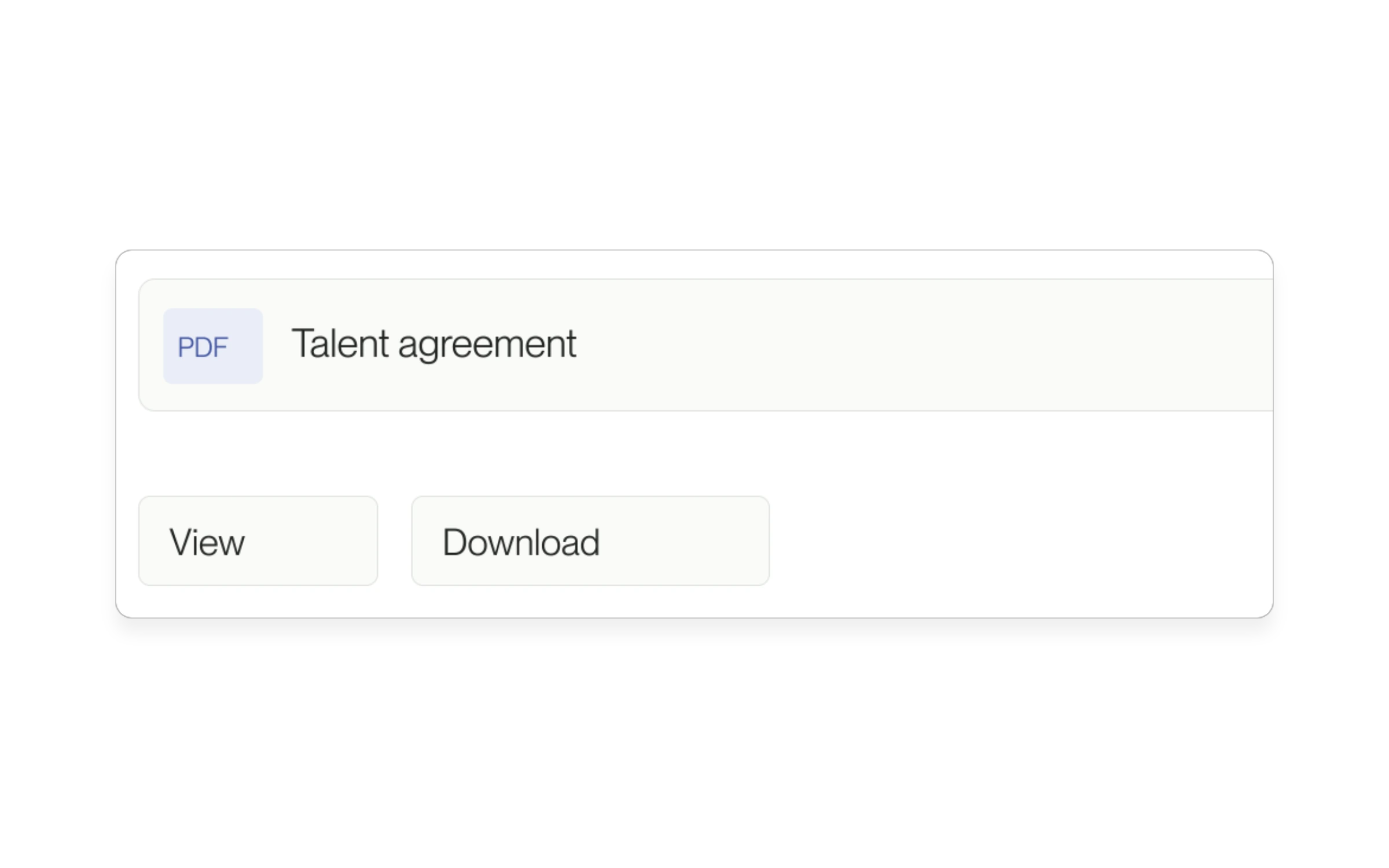
Talent can find the agreement for the engagement alongside the files shared in its Project conversations.
Read update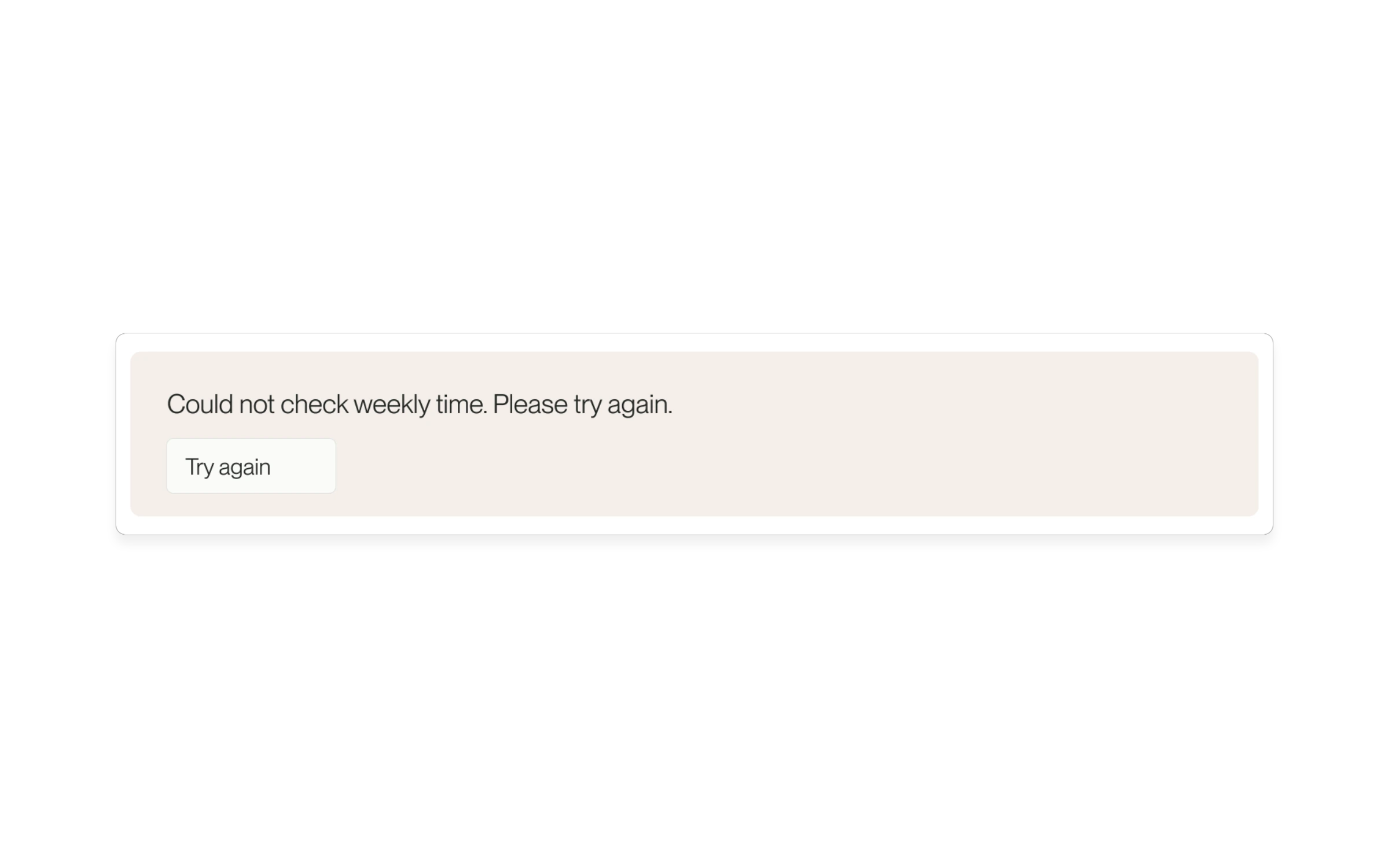
A temporary refresh failure no longer hides a pending weekly review that was already visible. You get a retry prompt instead.
Read update
Talent can add or change their contact phone number from account settings.
Read update
Changing profile visibility on your phone now saves the selection.
Read update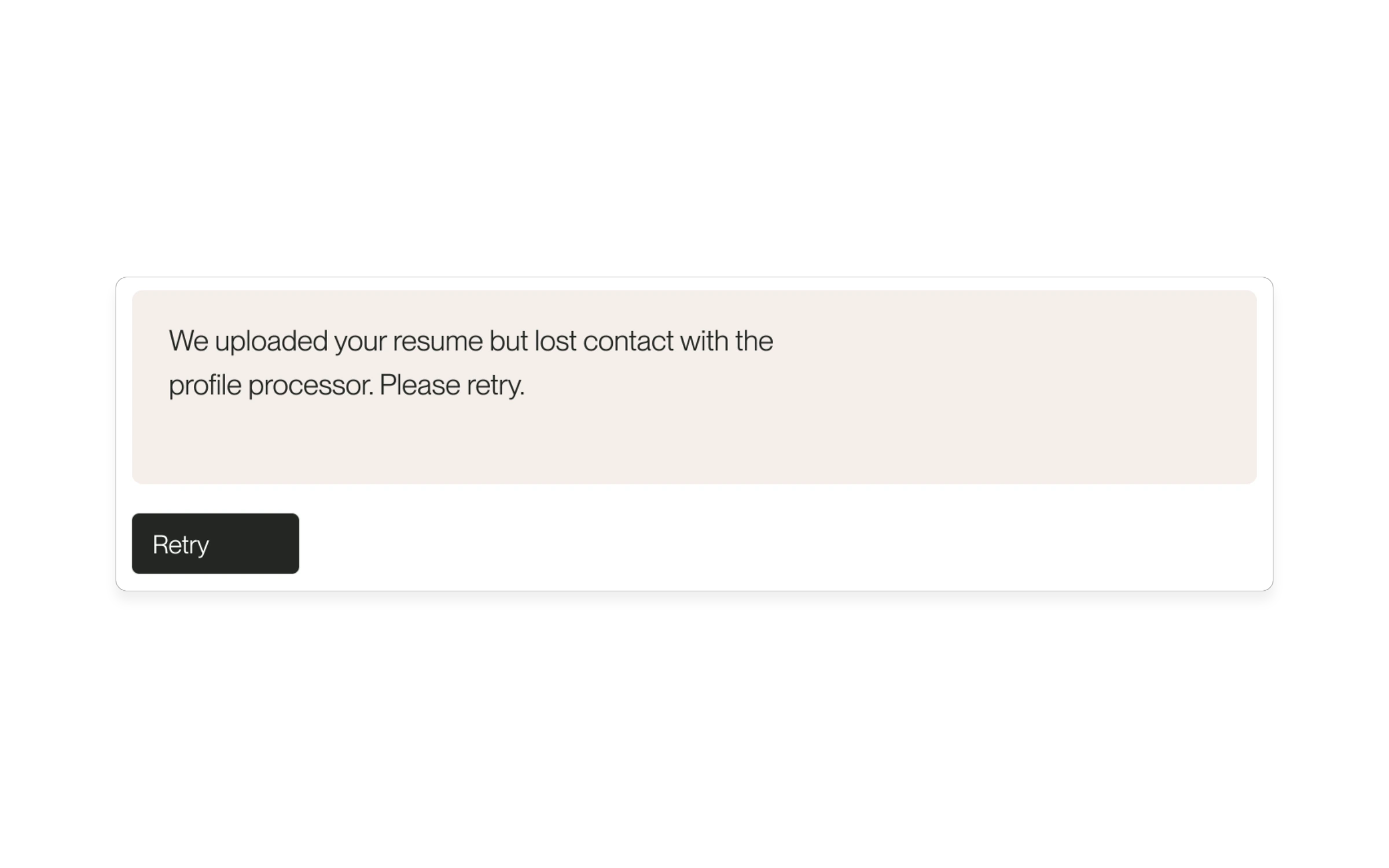
Clearer messages distinguish an uploaded file from an unfinished profile.
Read update
Small-business accounts can reach candidate messaging before their first hire.
Read update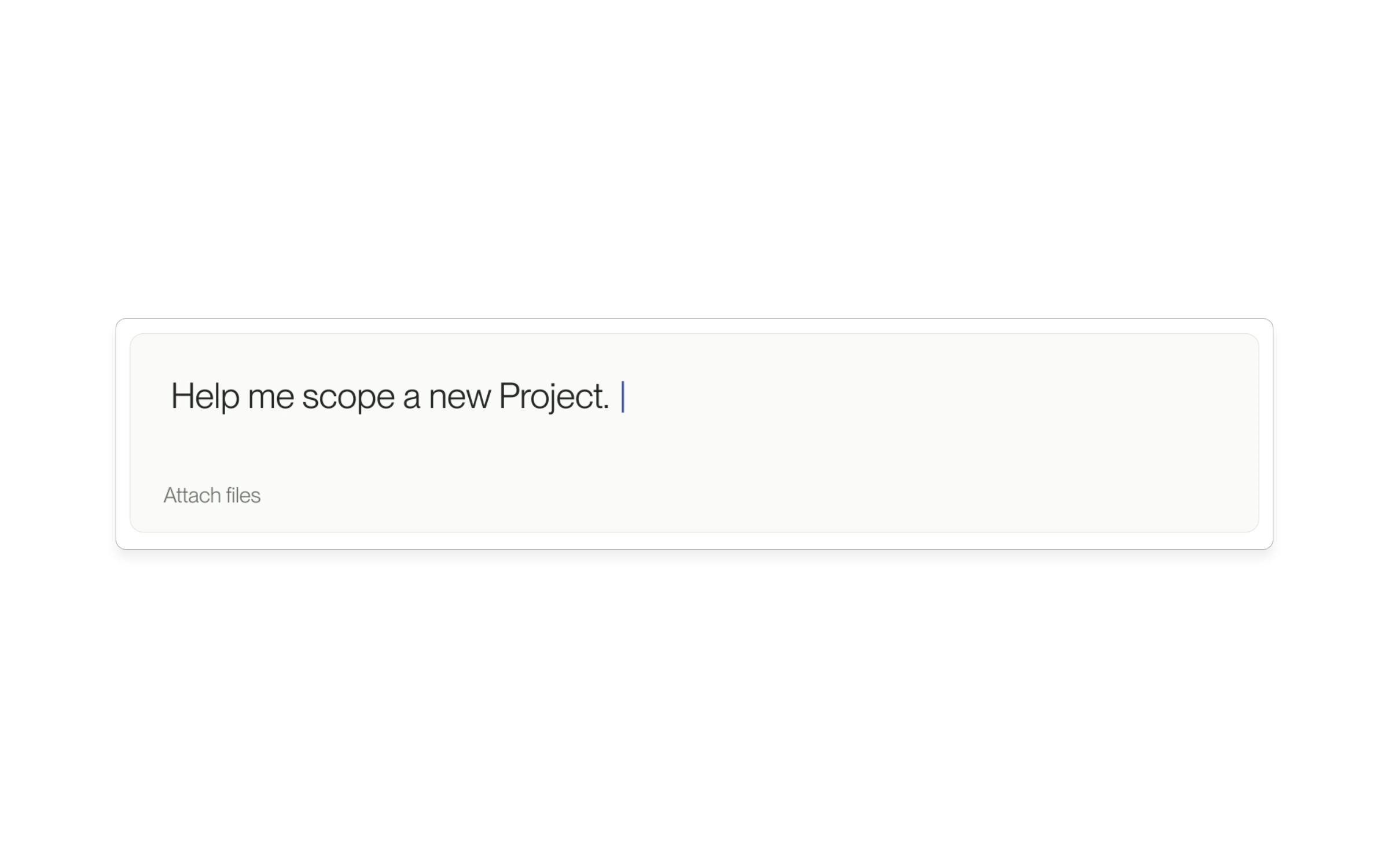
Supported Agent links can carry a question into the message box.
Read update
Interrupt an Agent response or regenerate its latest answer.
Read update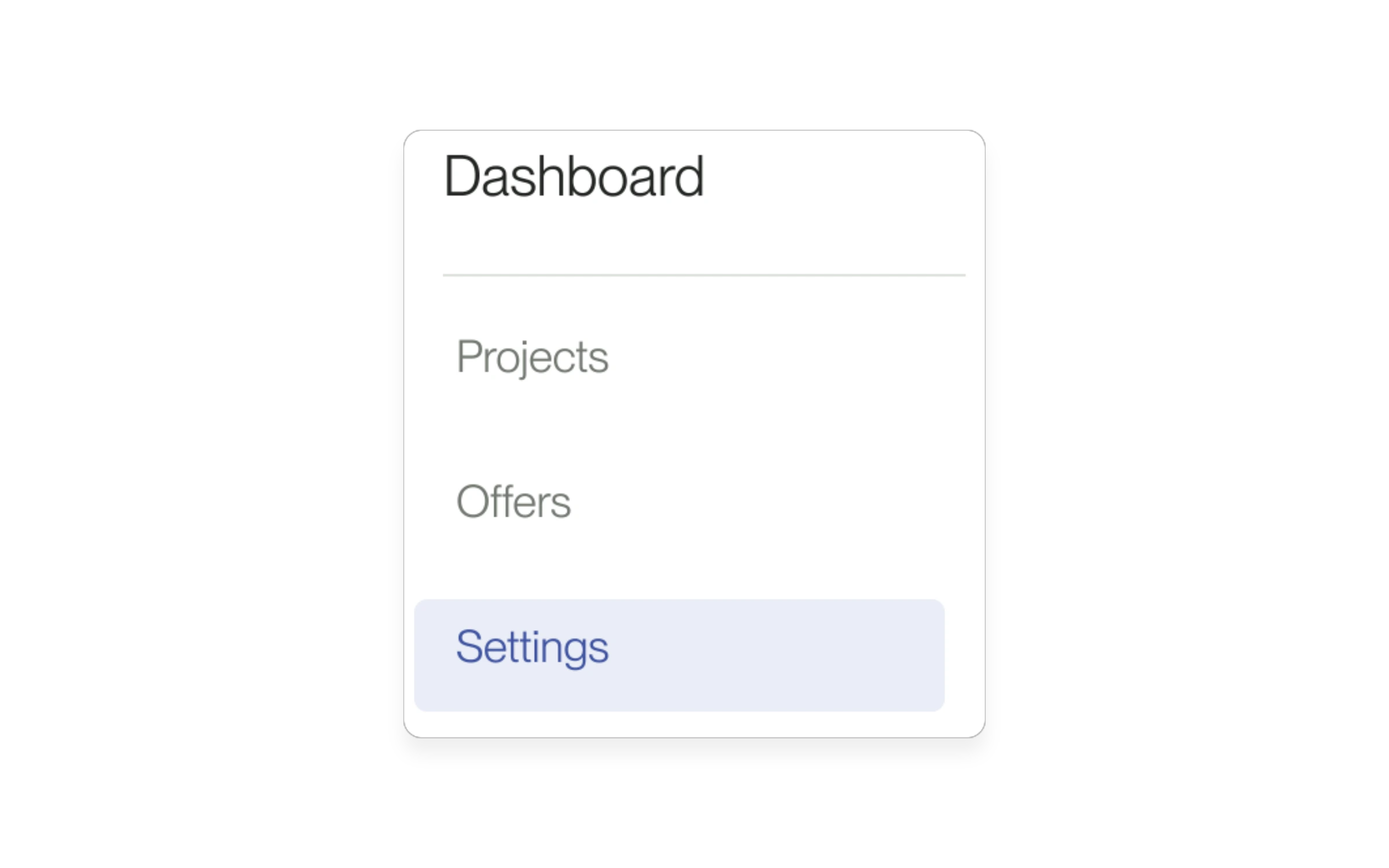
Reach account settings from deeper pages in your dashboard.
Read update
Bring an eligible declined candidate back into consideration.
Read update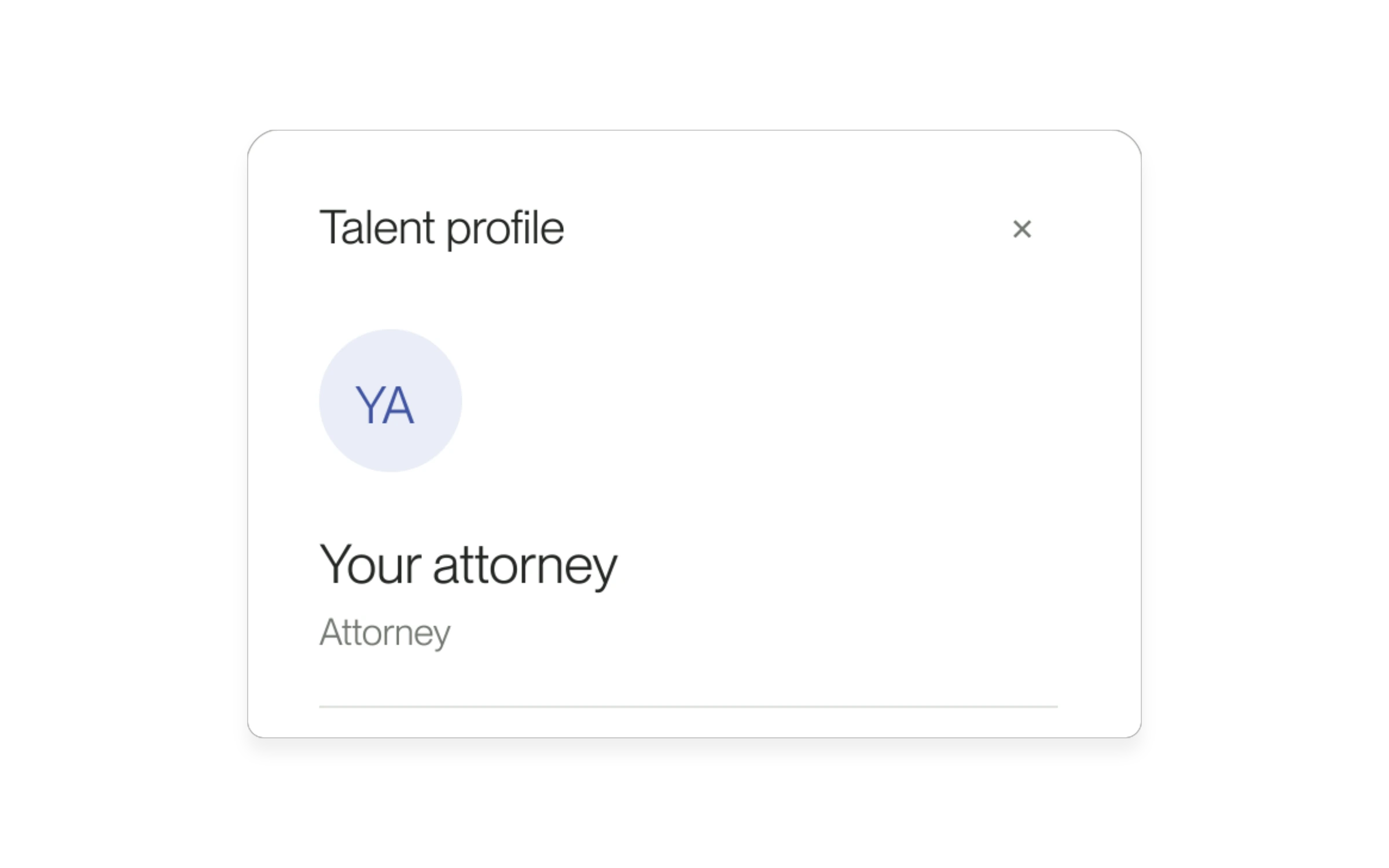
Open a talent profile from an Agent result without leaving your chat.
Read update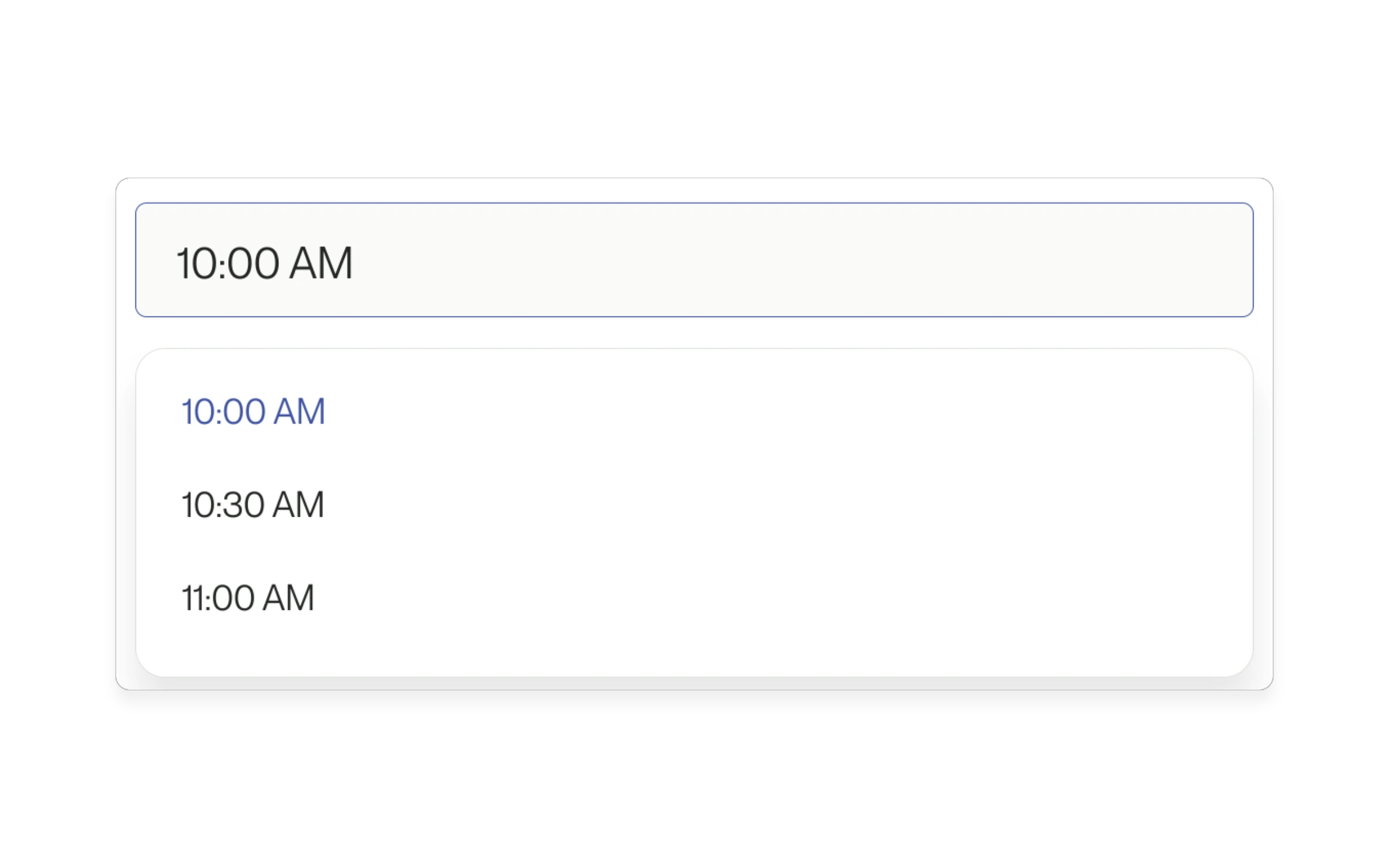
Click anywhere in the interview time field to open the available times.
Read update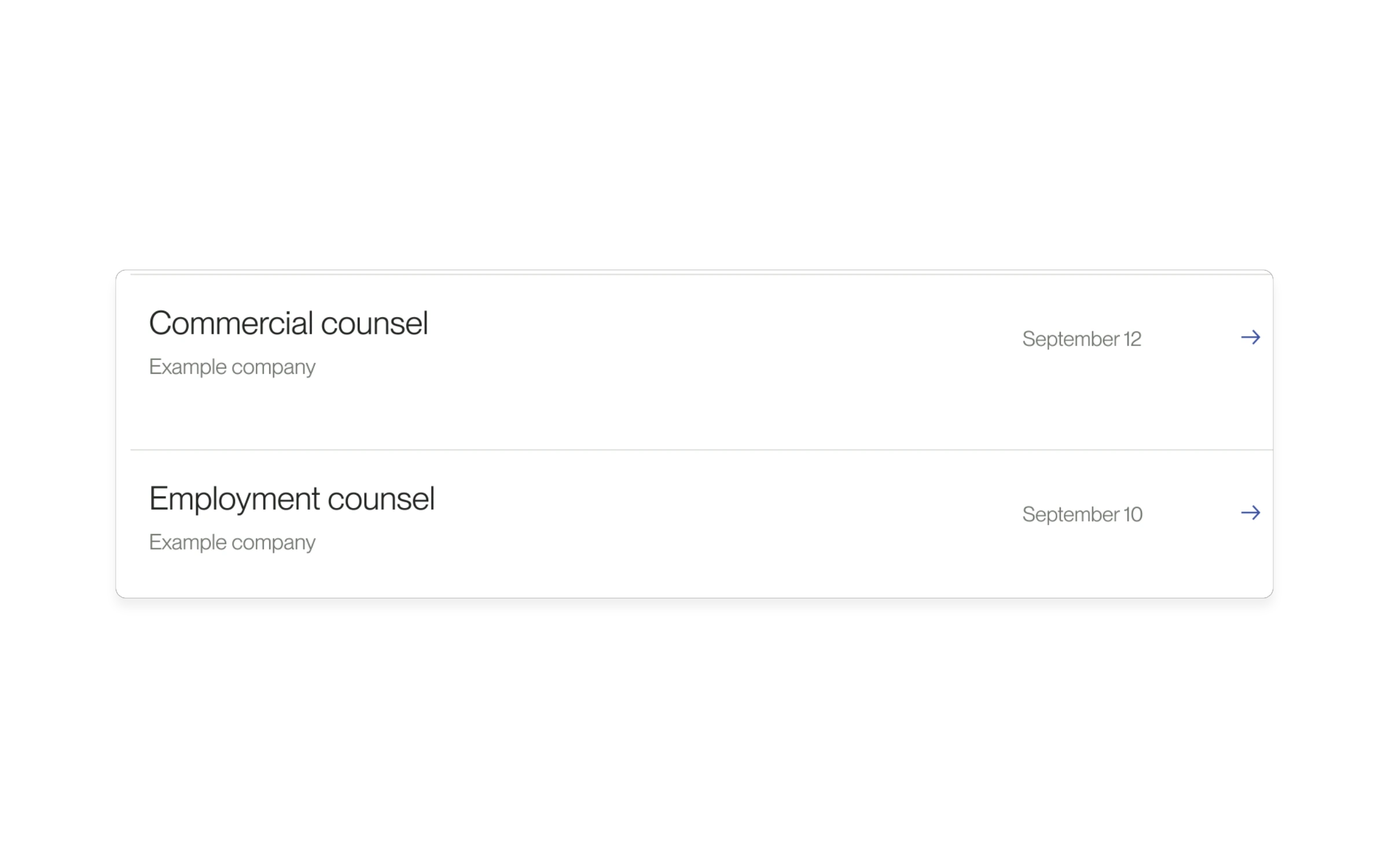
Opportunity lists put more recently published roles at the top.
Read update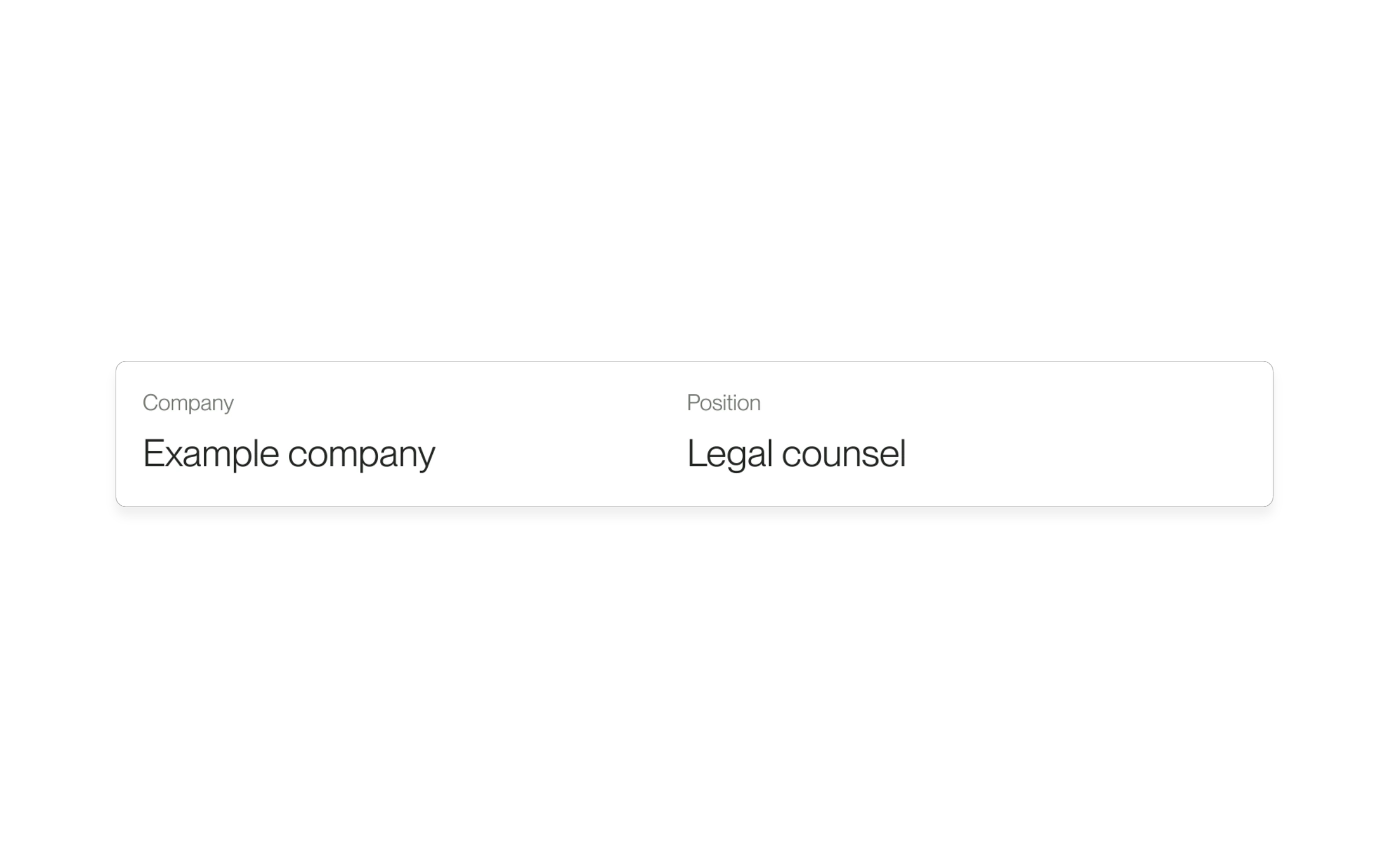
Offer cards show the company and position more clearly.
Read update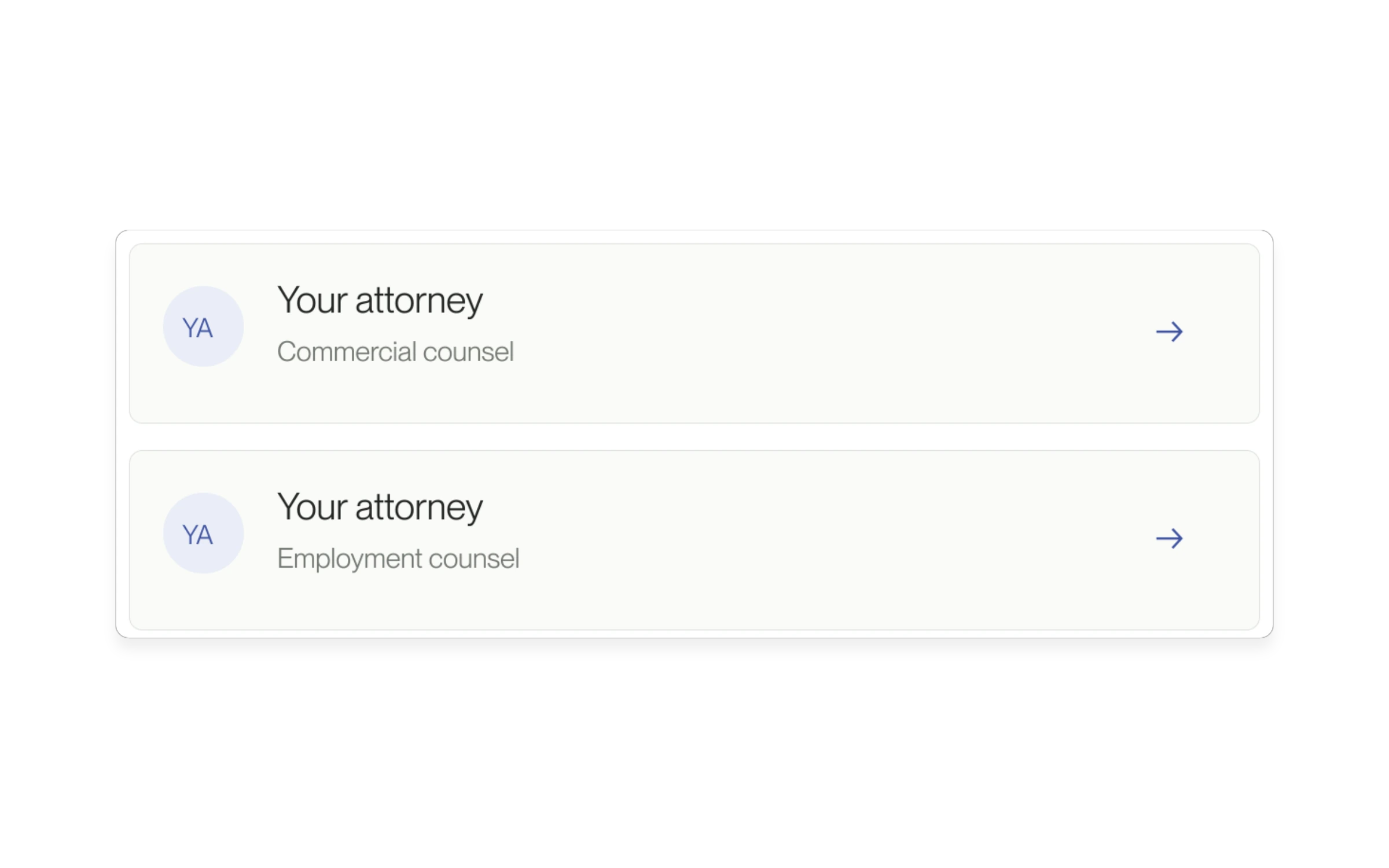
Candidate lists now load on your first visit, once your positions are ready.
Read updateTry another audience or change type.
We're here to help