
Bring more of your working files into Agent
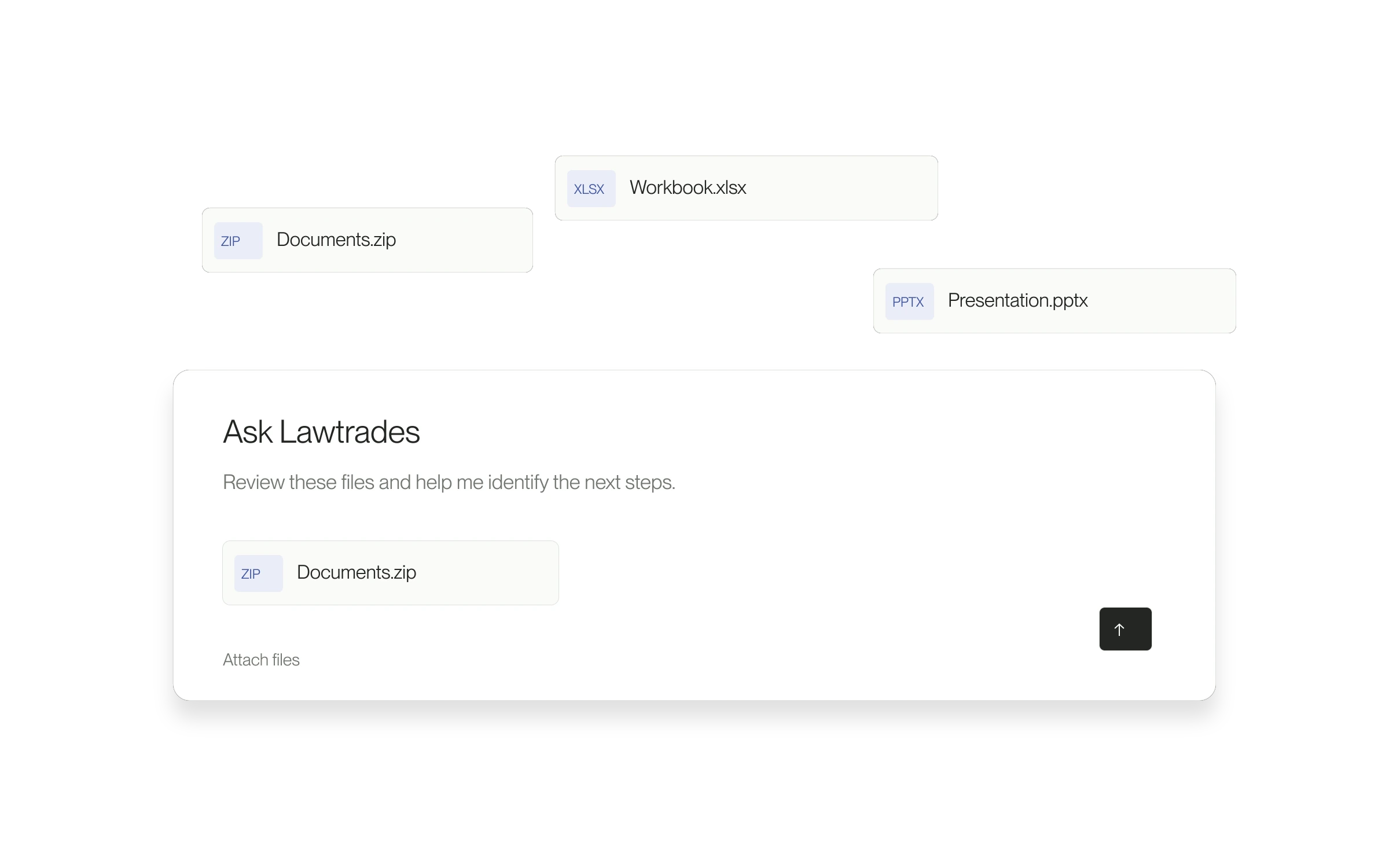
Agent’s attachment picker accepts spreadsheets, presentations, email files and ZIP archives alongside documents and images. Each file must be 10 MB or smaller.
When this is useful
Use attachments when the question depends on material you already have: a document to review, a spreadsheet to discuss, or a presentation that provides background. Add a clear request so Agent knows what to focus on.
The problem it solves
Relevant context is not always a PDF. Accepting more common business formats lets you bring the file you have into the conversation, subject to its size and readability.
How to use it
- Open the Agent conversation you want to use.
- Select the paperclip Attach files button, or drag a file into the message box.
- Wait for the upload to finish and remove any unintended attachments.
- Write what you want Agent to do with the material, then select Send.
- Check the response against the source file before relying on it.
Supported does not always mean readable
ZIP files are shared as archives; this update does not automatically unpack them. Upload acceptance does not guarantee that Agent can read every part of a file. If it cannot, use a readable PDF or paste the relevant text. To share a document with a lawyer or client, use Project Messages instead.
Released September 15, 2026. Related guides have the current steps.
All release notes