
Get the candidate list on the first visit
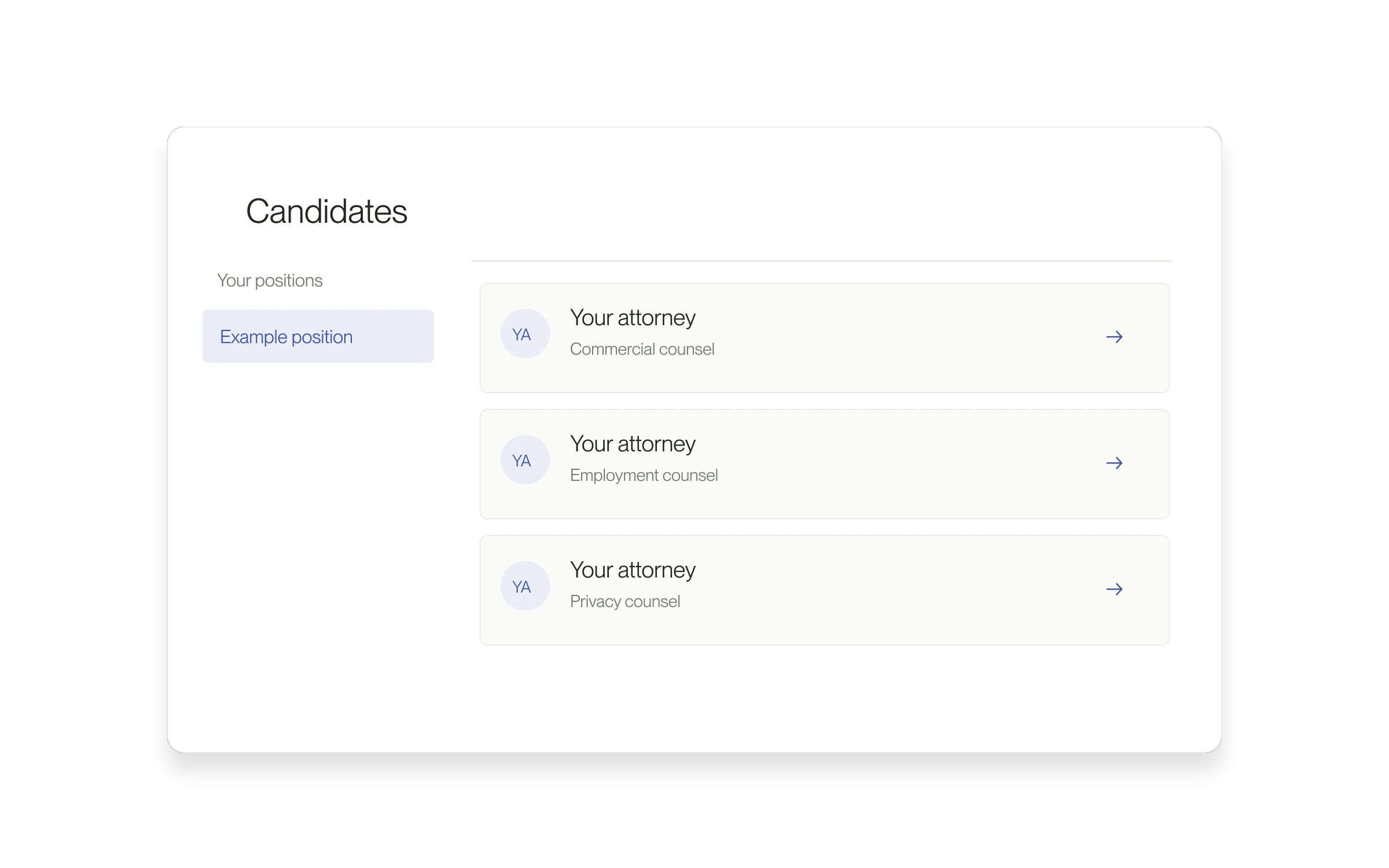
The dashboard Candidates page now waits for the positions it needs before loading candidates. This fixes a sequence that could leave the list empty until you refreshed.
Why this matters
An unfinished load can look like there are no applicants. This change makes the first visit more reliable when you are ready to review people for a position.
How to use it
- Open Candidates in the dashboard.
- Choose the intended position under Your positions.
- Wait for the list to load, then open a candidate’s profile.
- If an error appears, use the available retry action. A loading error is different from a confirmed empty list.
Released March 18, 2026. Related guides have the current steps.
All release notes