
Identify the offer before opening it
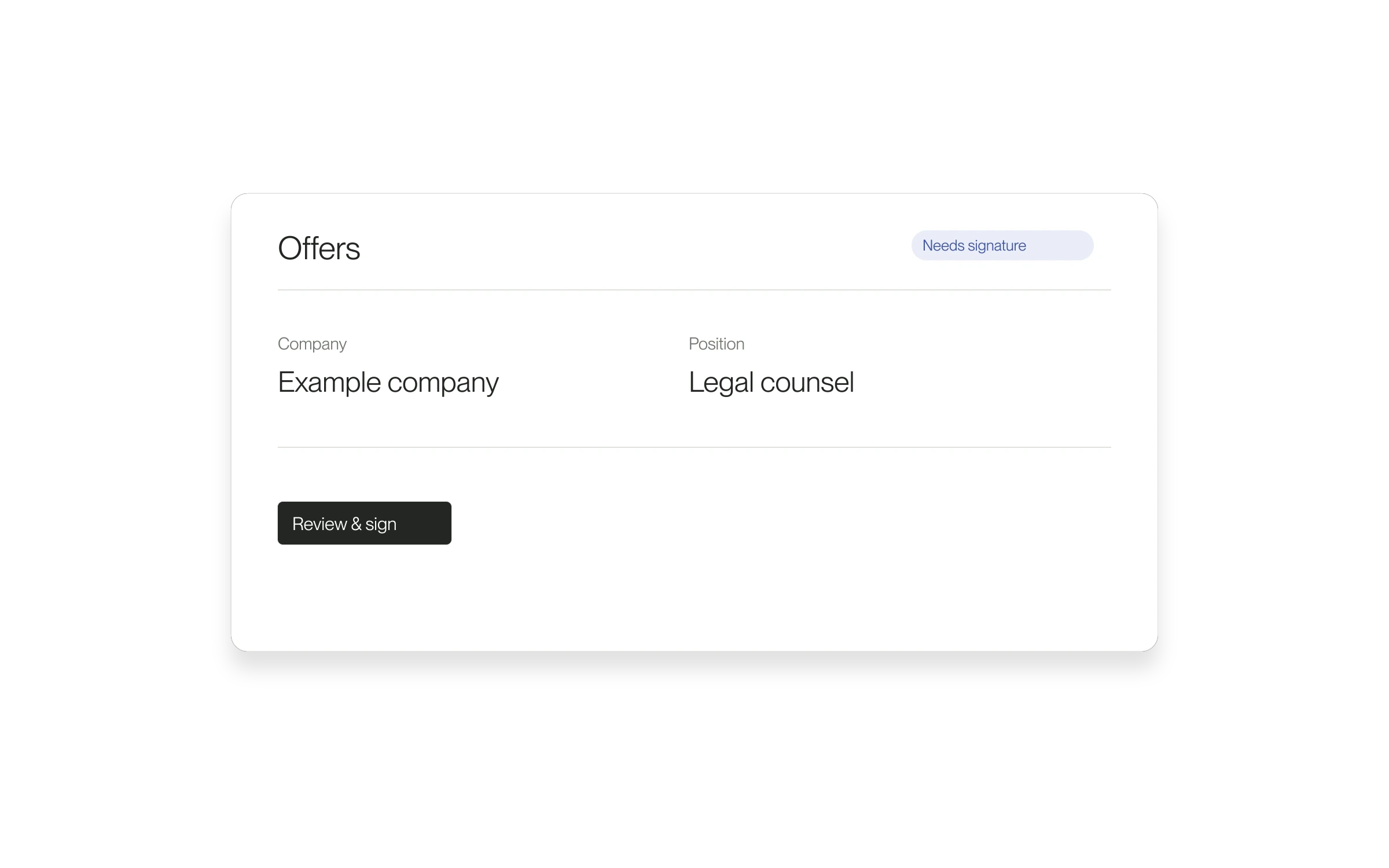
Offer cards present the company and position more clearly. The release also added a separate view for voided offers when any are present.
When this helps
If you are considering several opportunities, the company name alone may not identify the work. Showing the position gives you another detail to check before opening the offer.
How to use it
- Open your received offers in Lawtrades.
- Check the company and position on the card.
- Open the intended offer and review its full terms and status.
- Use the applicable status view if the offer is no longer pending.
What this does not change
Clearer labels do not change the agreement or accept an offer for you. Read the offer details before taking the next action.
Released April 22, 2026.
All release notes