
Your signing step and the completed agreement
Completing your DocuSign step does not always mean every required signature is complete. The hiring flow now checks the client agreement’s completion before showing the signed confirmation.
This corrects a case where your completed step could make the agreement appear signed while a countersignature was still pending. There is no setting to turn on.
What to look for
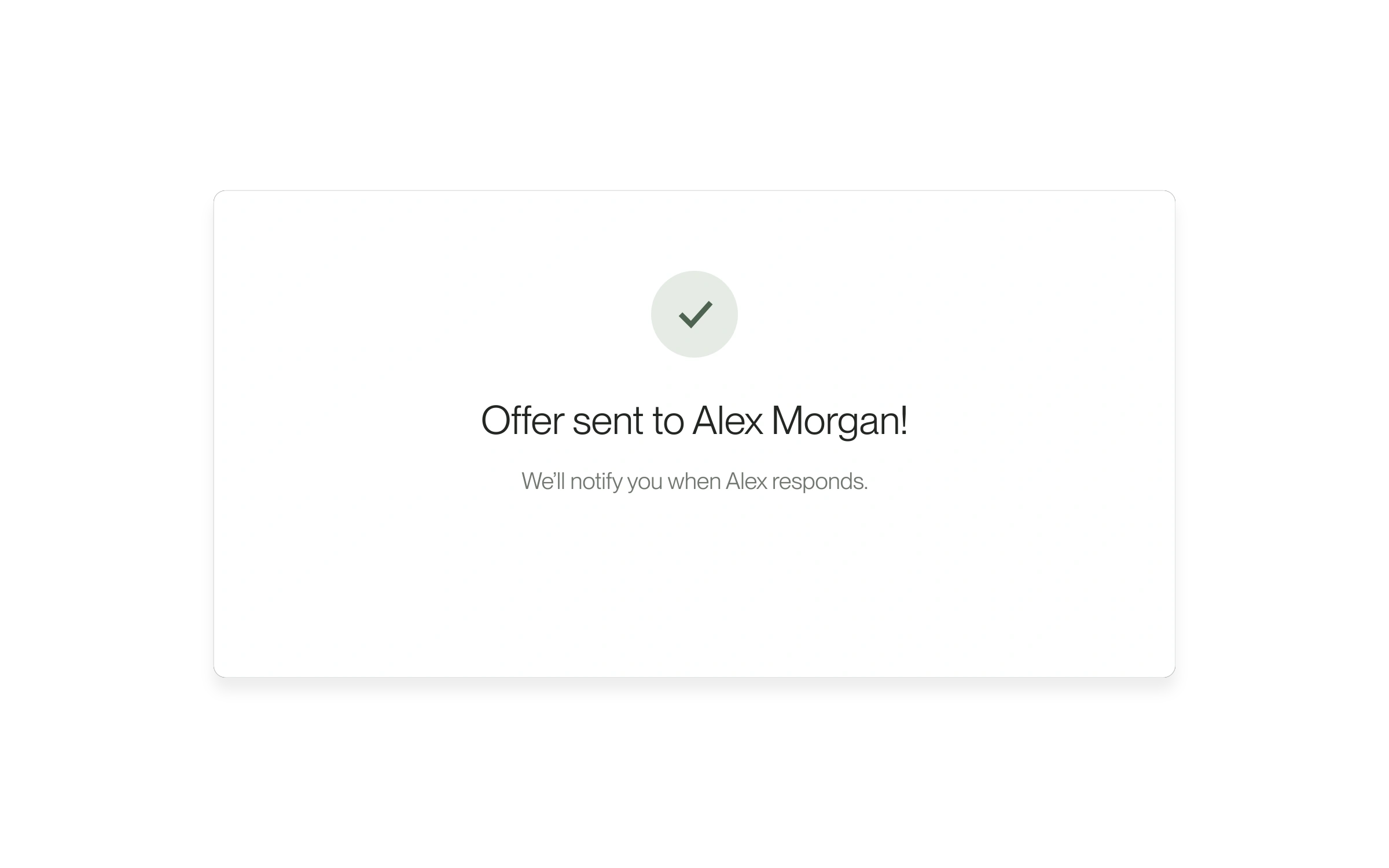
The offer-sent screen can still appear while the client agreement awaits completion. The separate signed confirmation now waits for that completion.
- Review the terms for the candidate you are hiring and complete the signing steps shown in DocuSign.
- After returning to Lawtrades, read the confirmation shown for your offer. Offer sent means the offer was sent; it does not by itself confirm that the client agreement has all required signatures.
- If you need help confirming outstanding signatures, contact help@lawtrades.com with the position and candidate name.
Where this applies
This fix applies to the client DocuSign flow in the dashboard hiring process. External or custom agreements follow their own process. It does not change the agreement’s terms or mean the candidate has accepted the offer.
Released September 17, 2026. Related guides have the current steps.
All release notes