
A clear way back to your messages
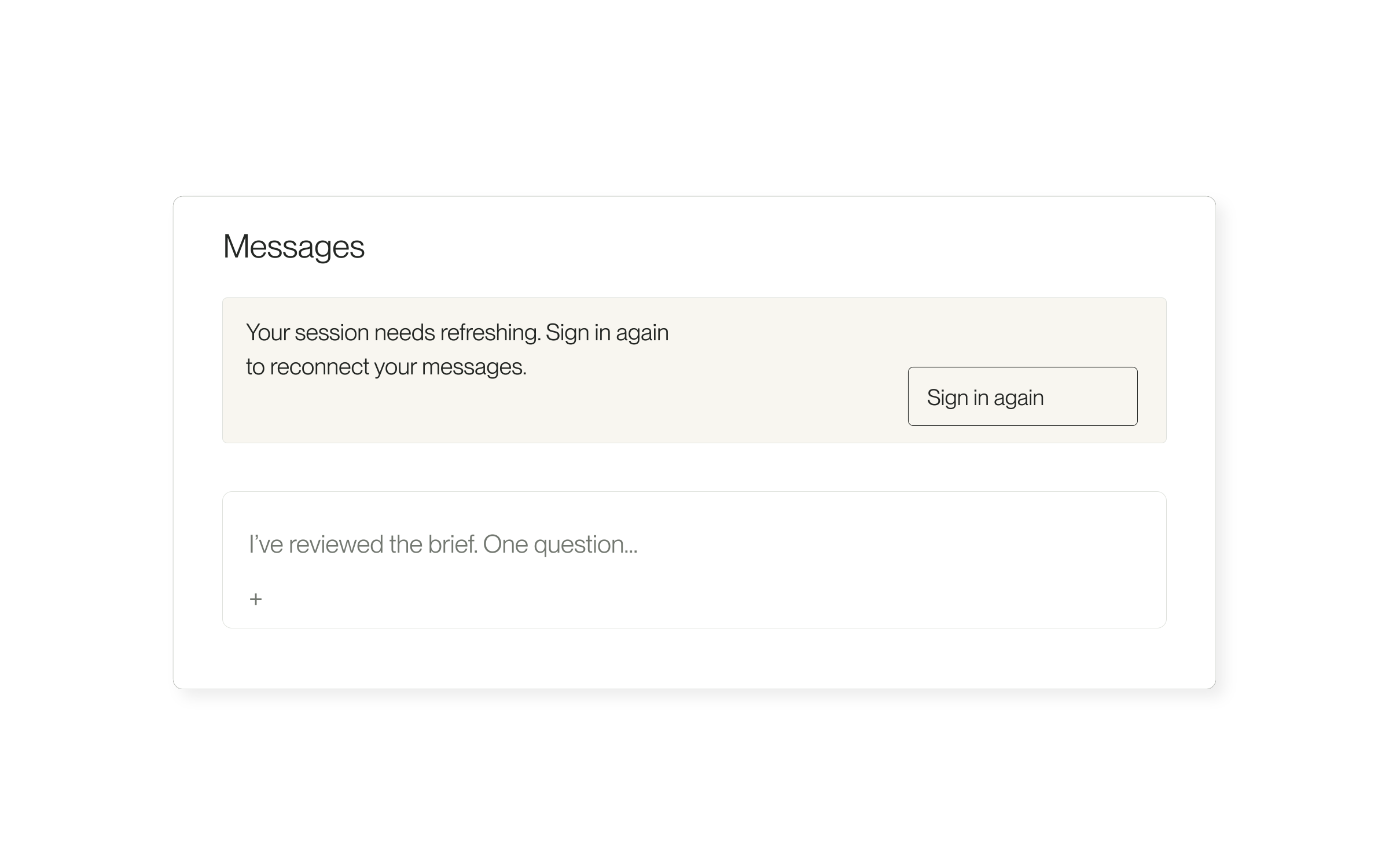
If your sign-in session expires while you are using Project messages in Lawtrades Agent, a Sign in again notice now lets you reconnect from the open page. Message sending pauses until your session is restored.
If a send fails because the session expired or access was denied, the conversation can return unsent text and attachments to an empty composer. If you have already started a newer draft, that draft is kept and the failed message stays visibly marked instead. Messages are not automatically resent.
Reconnect and check your draft
If the page says You no longer have access to this conversation, return to your Projects and open an available conversation. Signing in again does not grant access to a conversation you no longer have permission to use. Contact help@lawtrades.com if you need help.
- Select Sign in again in the notice above your work.
- Complete sign-in using the account that has access to the conversation.
- Return to the conversation and check the message history and composer.
- Review any unsent text and attachments before sending again. A failed message remains unsent until you explicitly retry it.
Released September 19, 2026. Related guides have the current steps.
All release notes