
Save visibility changes from your phone
The mobile profile controls now use the same save action as the desktop view. This fixes a selection that could appear to change without persisting.
The problem it solves
A visibility setting should reflect your saved choice, not only the state of a control on the screen. This change makes the mobile selection persist when the save succeeds.
How to use it
- Sign in on your phone and open your own Profile.
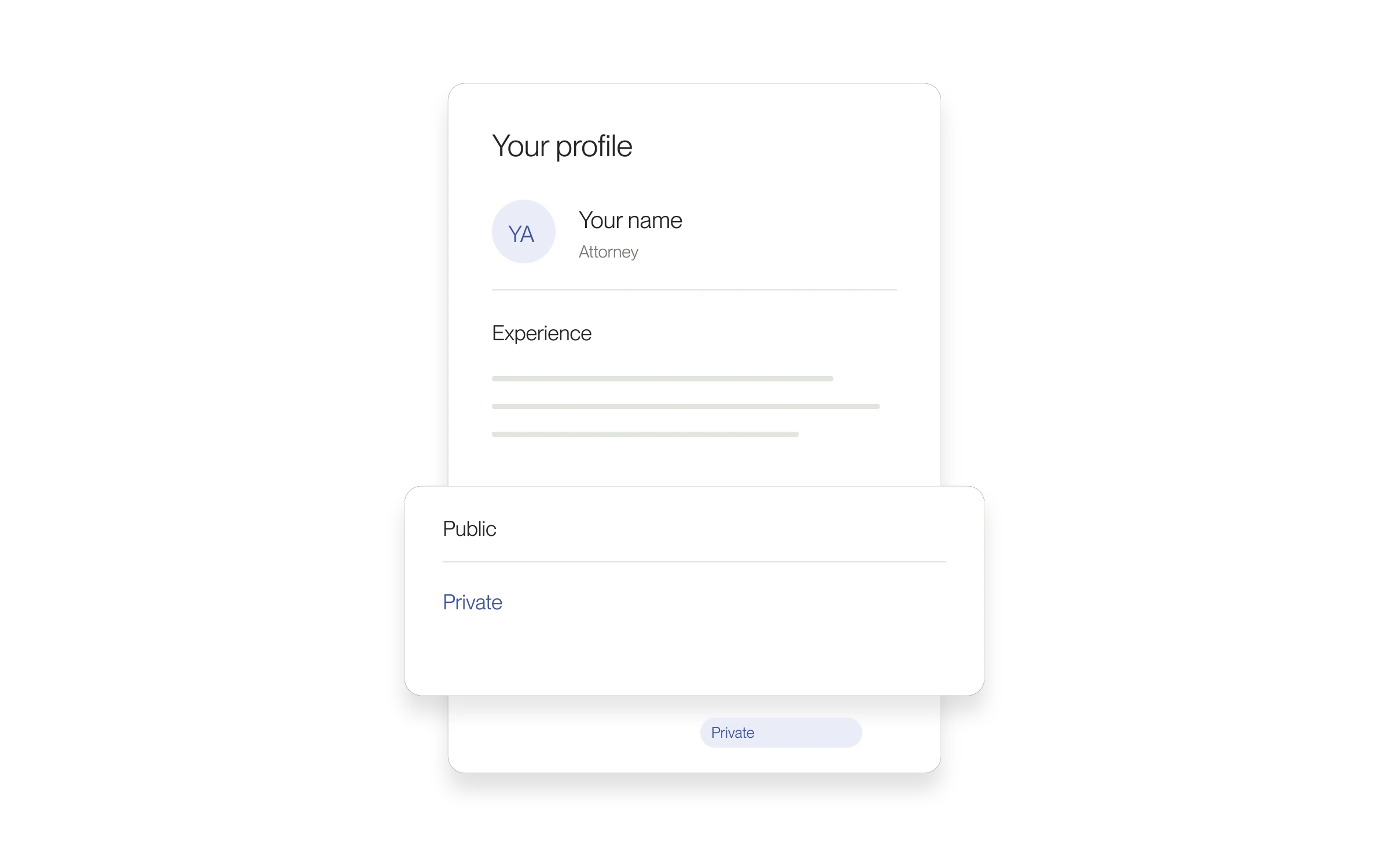
- Use the profile visibility control to choose the available setting you want.
- Check for an error before leaving. If saving fails, retry and confirm the selected setting afterward.
Scope of this fix
This corrects saving from the mobile control. It does not change the account and relationship rules that determine who can access profile information.
Released August 31, 2026. Related guides have the current steps.
All release notes