
Reach the conversation before your first hire
Small-business accounts can access candidate messaging before they have an active engagement. This fixes an account-state check that could hide that access.
The problem it solves
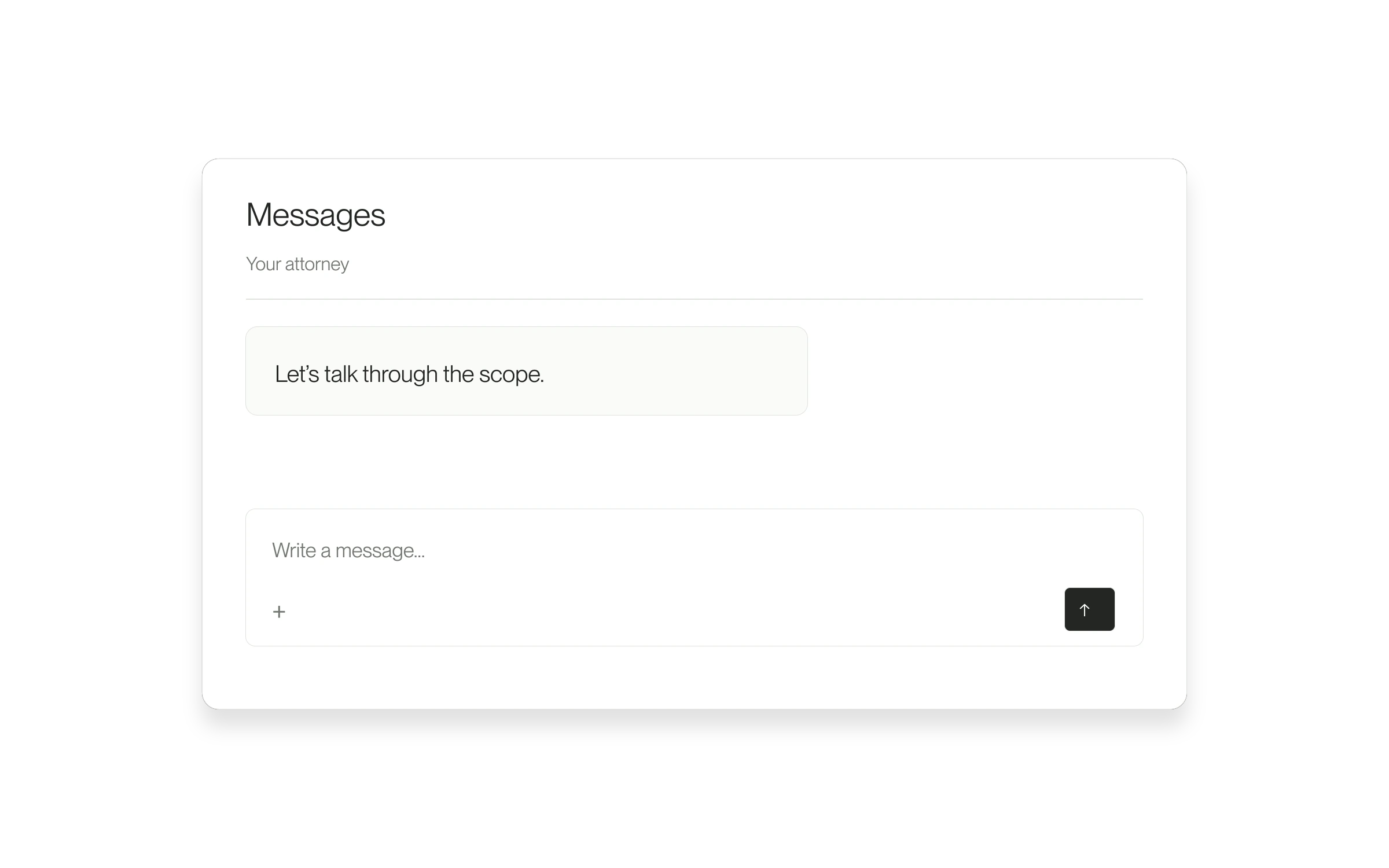
You may need to discuss the scope, experience or availability before deciding whom to hire. Messaging should be available during that decision, where the account and conversation permit it.
How to use it
- Open the relevant small-business Project.
- Select Messages and open the candidate conversation.
- Check that the thread is available for replies, then write and send your message.
If you cannot reply
Earlier conversations marked read-only remain history. Use the available current Project conversation, or contact support if the expected conversation is missing. This change does not grant access to other people’s conversations.
Released August 25, 2026. Related guides have the current steps.
All release notes