
Get back to the work in the email
Engagement emails now link to the matching hire’s workspace. Older engagement-room links also open the matching Project and its Messages tab after you sign in. Pre-hire message links open the separate Messages view.
Use this when you are returning to an engagement from your inbox, especially when one hiring Project has several hires. The link is matched to the engagement rather than choosing another hire’s workspace.
Open your engagement
Older emails are not rewritten. If a link cannot be matched to an available Project, open Lawtrades Agent and choose the Project directly. Contact help@lawtrades.com if you still cannot reach it.
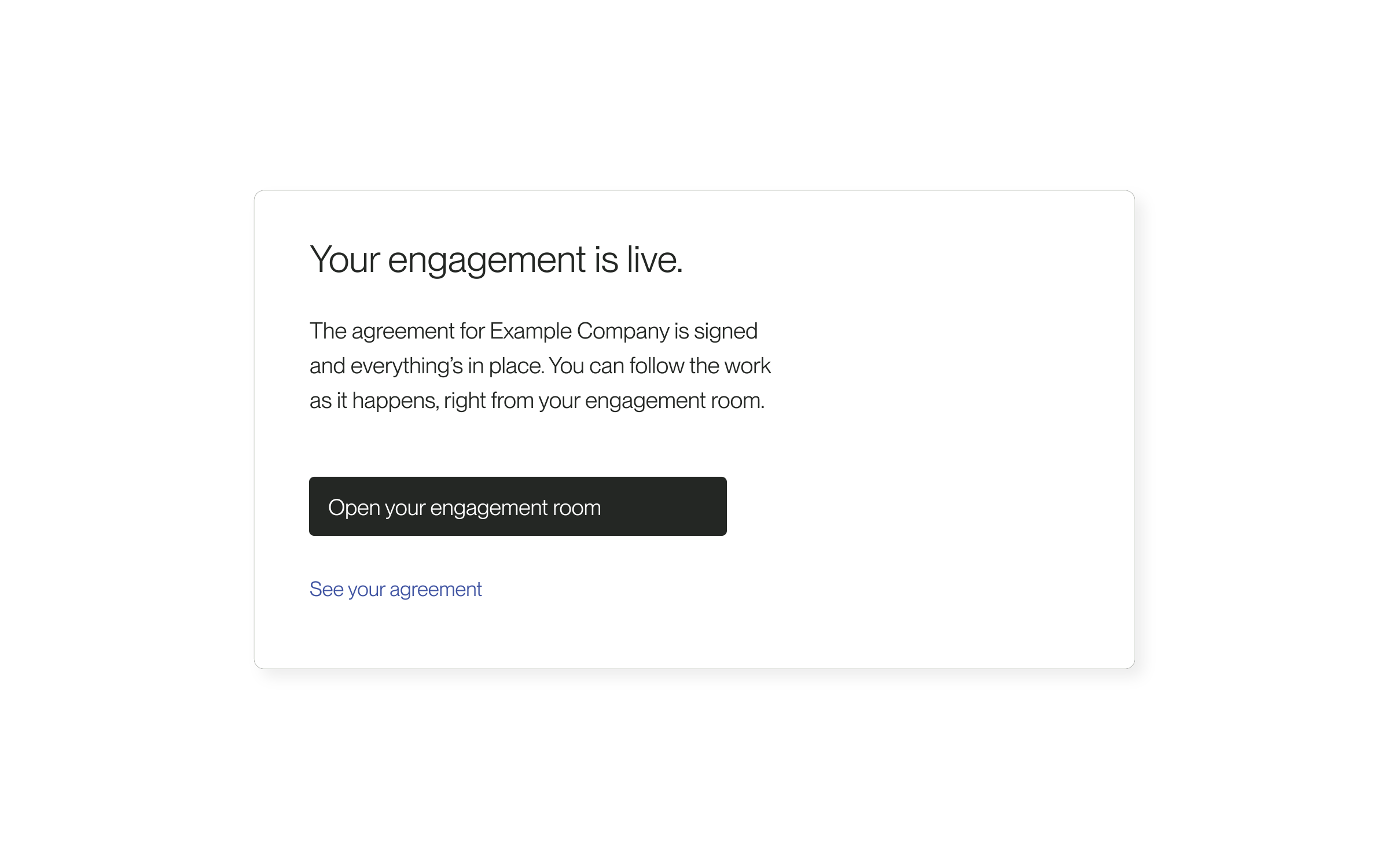
- Open the engagement email and select Open your engagement room, or use the room link in a supported older email.
- If prompted, sign in with the account that has access to that engagement.
- Check the Project and conversation before continuing. Use the Project tabs to reach its files and other available work.
Released September 18, 2026. Related guides have the current steps.
All release notes