
Tell an uploaded file from a finished profile
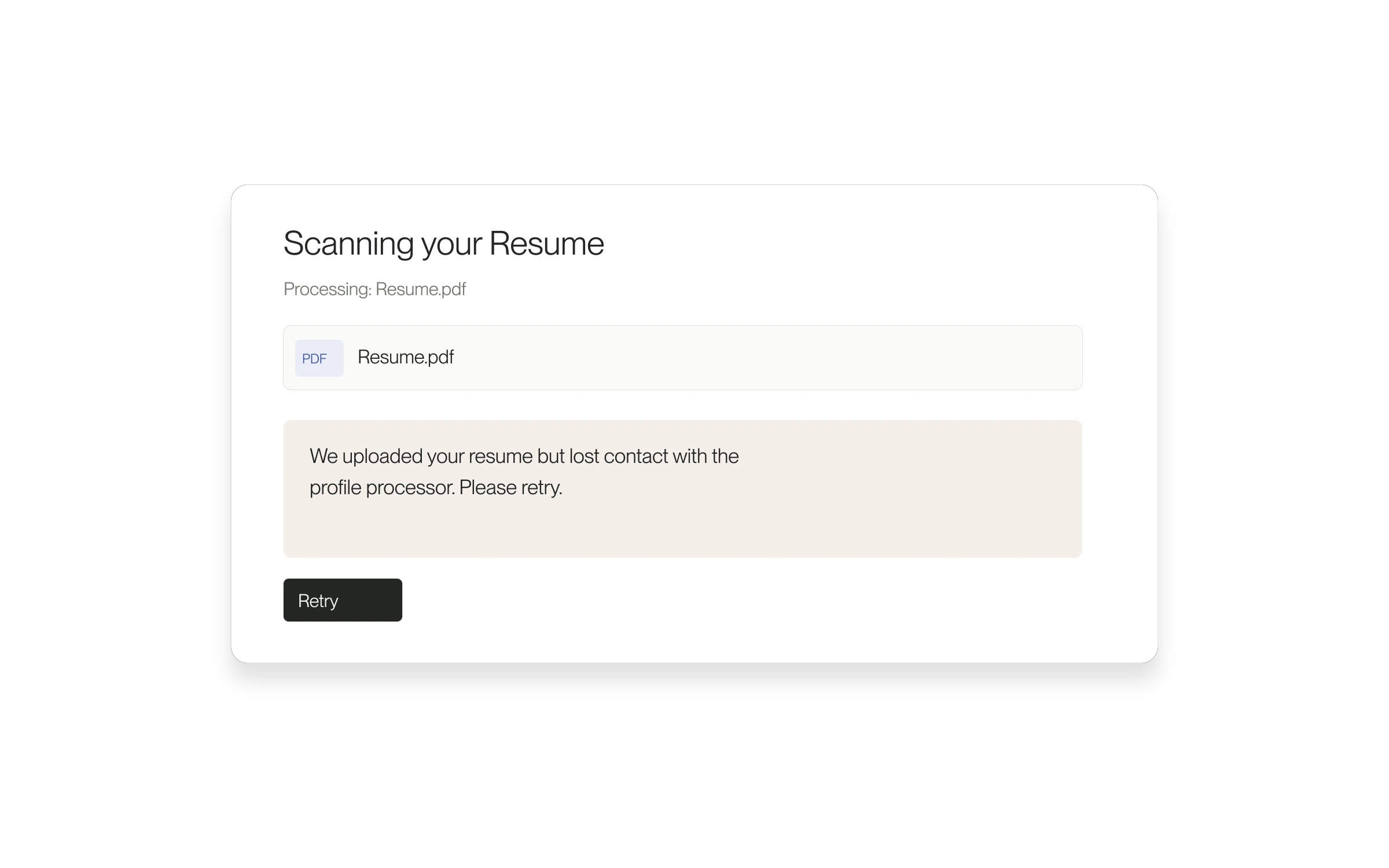
Résumé processing now reports more clearly when the file arrived but its processing status could not be checked, or when profile generation failed.
The problem it solves
A successful upload does not mean the profile is ready. Separate messages help you understand which part of the process needs attention, instead of assuming your file was never received.
How to use it
- After uploading your résumé during onboarding, wait for the processing result.
- If an error appears, read whether it concerns the status check or profile generation.
- Select Retry to return through the available retry flow.
- Review the generated profile and correct its details before continuing.
If it still fails
Brief connection failures receive limited retries. If processing continues to fail, contact support with the error shown. Do not assume the profile was generated just because the file uploaded.
Released August 28, 2026. Related guides have the current steps.
All release notes