
Keep your contact number current
Talent can add or change a contact phone number directly in dashboard Settings.
When this helps
Use this when you have a new number or need to correct your account details. It gives you a direct place to maintain the number instead of leaving an outdated contact detail on your account.
How to use it
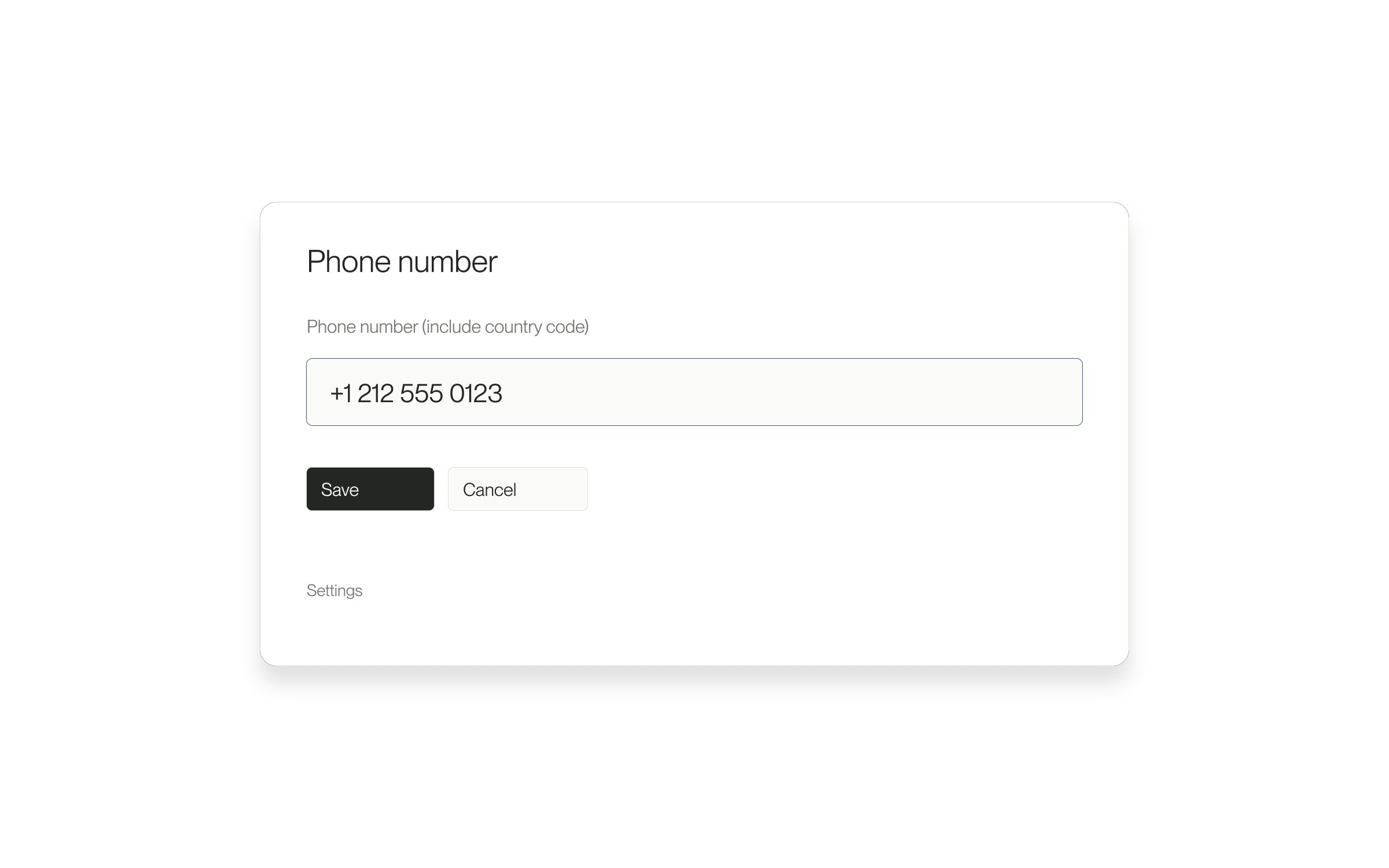
- Open Settings and find Phone number.
- Choose Add or Change.
- Enter the number with its country code.
- Select Save and check for Phone number saved.
What saving means
This updates your contact details. It does not verify ownership of the number or opt you into SMS. If saving fails, correct the number and retry; if only the profile checklist is stale, reload the page.
Released September 2, 2026. Related guides have the current steps.
All release notes