
Carry a question into Agent
Supported Agent links can place a question in the message box. If you need to sign in first, the question travels through that step with you.
When this is useful
A link can give you a starting point for a task without making you retype the question. You still have a chance to check the wording and add context before sending.
How to use it
- Open the supported Agent link.
- Sign in if prompted.
- Review the question in the message box and edit it as needed.
- Send it when you are ready.
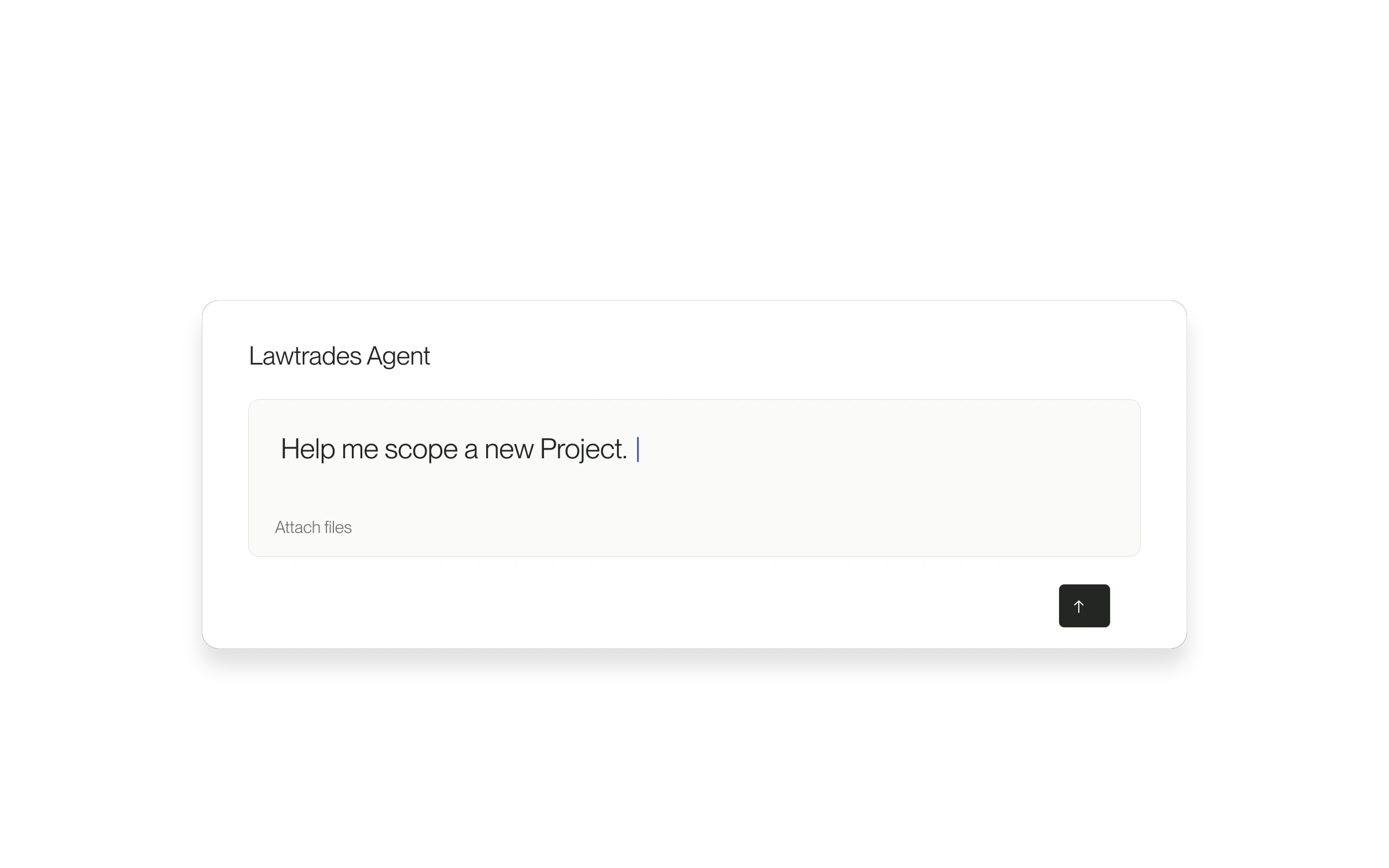
Nothing is sent automatically
A prefilled question is a draft. Opening the link does not submit the message, and you do not have to use the supplied wording.
Released August 1, 2026. Related guides have the current steps.
All release notes