
Start a conversation with Agent
Start with a suggested task or your own request, then choose how to continue.
For Lawtrades Agent. Sign in to keep your work in your account.
Ask your first question
- Open Lawtrades Agent.
- Choose New chat to start a separate conversation. If the sidebar is collapsed, expand it first.
- Select a suggested task below the message box, or write what you need. Suggestions vary with your role and available context; you may see fewer than four, or none.
- Some starters, including Add a contract for review and Share your scope, fill the message box for you. Add the relevant files and details, then select Send. Other suggestions start the conversation when selected.
- When writing your own request, include the task, relevant background, and the result you want. Select Send, or press Enter. Use Shift + Enter for a new line.
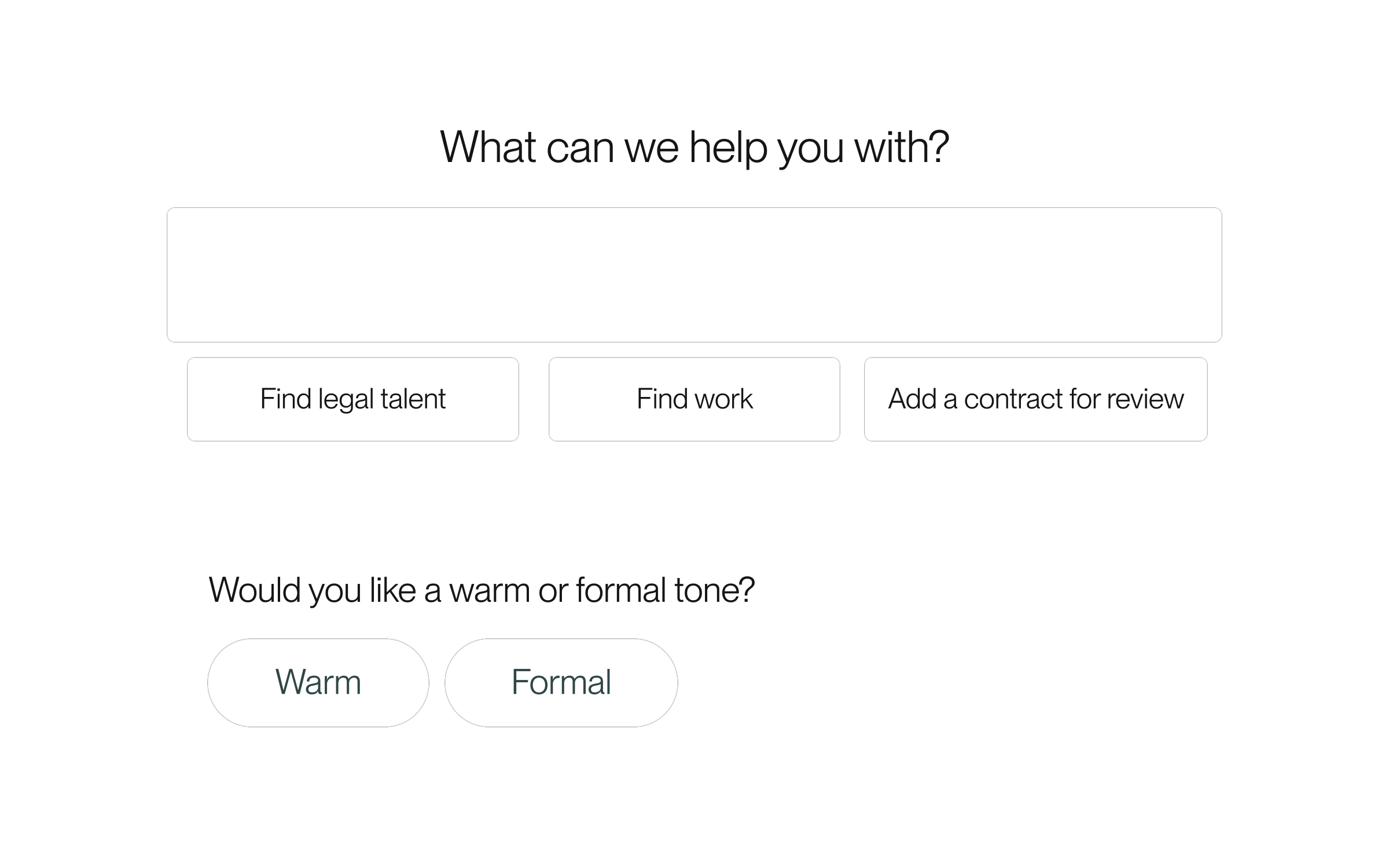
Give it a useful starting point
For example: “Compare these two vendor agreements. Start with differences in payment terms, renewal, and termination.” Attach the documents you want it to use, then ask follow-up questions in the same chat.
Choose how to continue
After a completed answer, Agent may offer follow-up choices. Select one to send that reply, or type your own response. These choices appear only when useful; not every answer has them.
For an account-based suggestion, select the clock (Hide until tomorrow) to hide it for 24 hours, or the X (Hide suggestion) to hide its current version. If the controls are hidden, move the pointer over the suggestion or use Tab to focus its row. Select Undo if you change your mind. These controls do not complete or delete the underlying task.
If a suggestion has changed or expired, choose Show current actions when offered. This opens a new chat and refreshes the available suggestions.
Suggestions do not replace confirmation, signing, or payment steps. Review the conversation and any requested confirmation before proceeding.
Stop a reply or try another answer
In a personal Agent chat, use Stop while a reply is being written. This stops the response; it does not undo actions already completed.
For an ordinary personal-chat answer, choose Regenerate to replace the latest completed answer with another response to the same message. This control is not available in Project-bound conversations or weekly-worklog flows.
Work in another personal chat while Agent replies
Guided tasks, Project and shared chats, Interview Prep, and weekly time flows still wait for the current reply. Keep Agent open while replies run; closing the tab may interrupt them.
- While Agent writes a reply in an ordinary personal chat, choose New chat or open another personal chat in the sidebar.
- Send your next request there. Each chat keeps its own draft, attachments, and reply.
- Watch the sidebar for a working ring or a new-reply dot. Open a chat to read its reply or use Stop for its current reply.
Keep work with its Project
For a conversation with your client or lawyer, open the Project’s Messages tab. A personal Agent chat and a shared Project conversation serve different purposes.
Keep the conversation
Sign in to associate your work with your account. You can return to saved conversations from the sidebar.