
Read a profile beside your Agent conversation
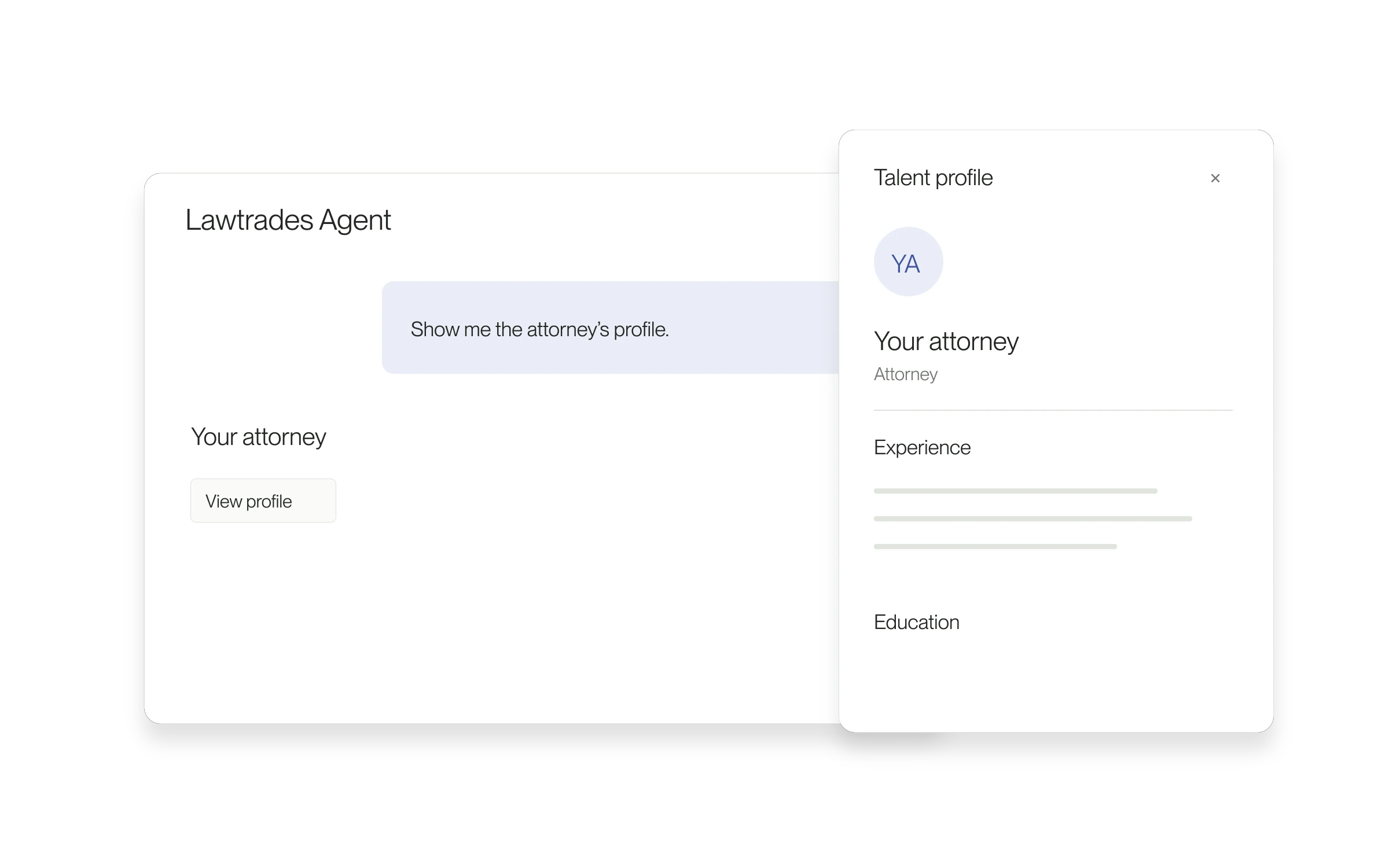
A talent result in Agent can open a profile preview alongside the chat. On smaller screens, the preview opens over the conversation.
When this is useful
Use the preview when you want more background on someone Agent has shown. You can inspect the available profile details, then return to the same conversation to compare options or ask a follow-up.
How to use it
- In a conversation with a talent result, open the person’s profile from the result card.
- Review the information available in the profile panel.
- Close the preview to continue the chat.
What to check next
A profile preview supports your review; it does not book an interview or complete a hire. Use the relevant Project or candidate action for those next steps.
Released June 10, 2026. Related guides have the current steps.
All release notes