
Keep the details you already entered
If sending an interview request fails, the form keeps your details and makes Send Request available again. Retrying unchanged details from that same open form returns the existing request if it was already saved.
This helps when a connection drops after you press Send Request and you cannot tell whether the request went through. You can recover without retyping your introduction or rebuilding the proposed times.
Send or retry a request
The work start date appears for supported dashboard roles that do not already have one. It is not requested for small-business Projects.
- Open the candidate’s interview request and add context, meeting duration, and proposed times. Check the timezone.
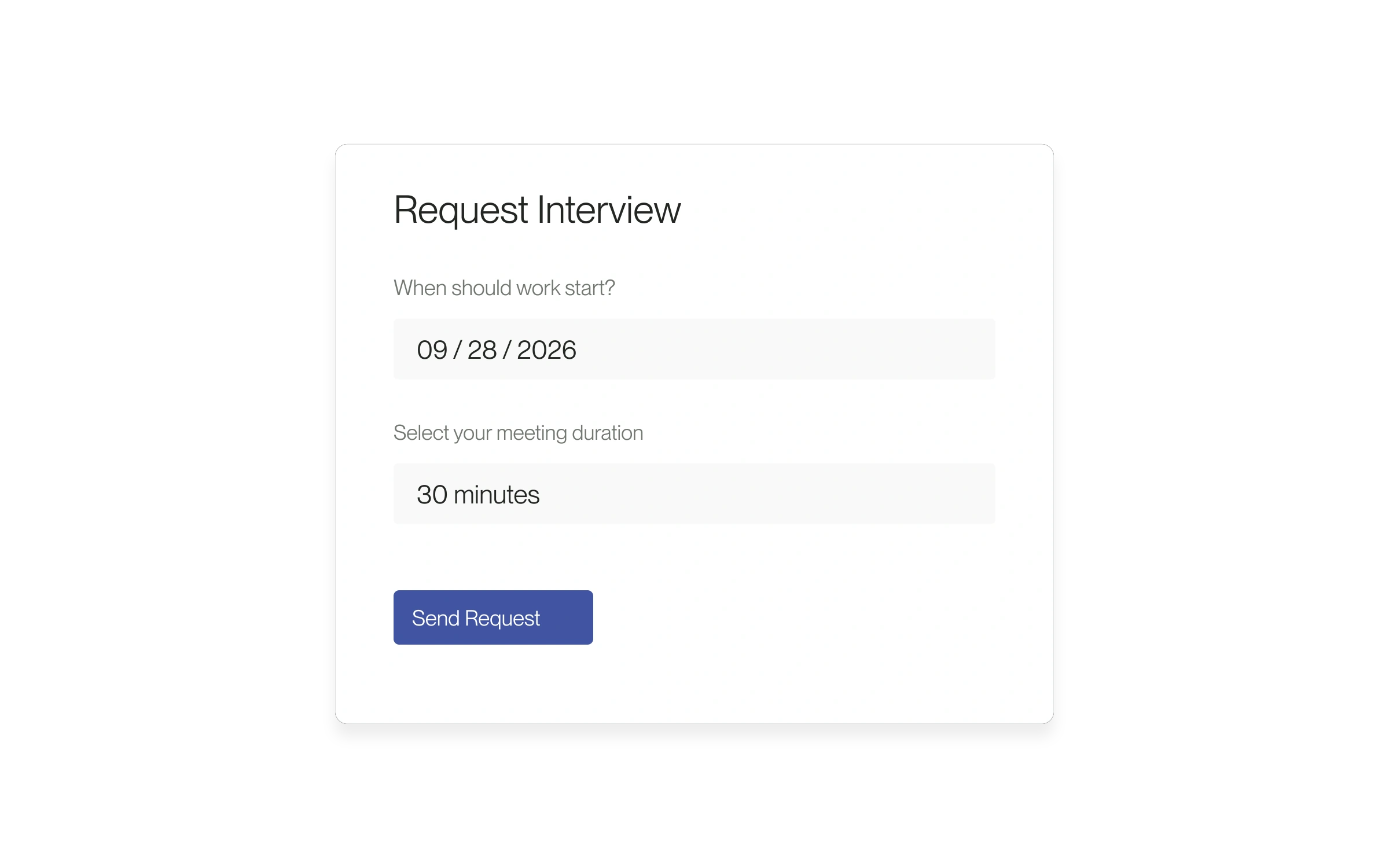
- If When should work start? appears, choose the work start date. This is separate from the interview date.
- Select Send Request and wait for confirmation. A sent request still needs a time to be accepted.
- If an error appears, read it and retry the unchanged request in the same open form. If the message says your previous request was already sent, check Interviews → Requested before sending different details.
Before opening another request
The retry protection applies to the same open request form. Reloading the page or starting a new request can create a separate request. Check Interviews first if you are unsure what was saved. If you still cannot send, contact help@lawtrades.com with the error and position name.
Released September 18, 2026. Related guides have the current steps.
All release notes