
Use the whole time field
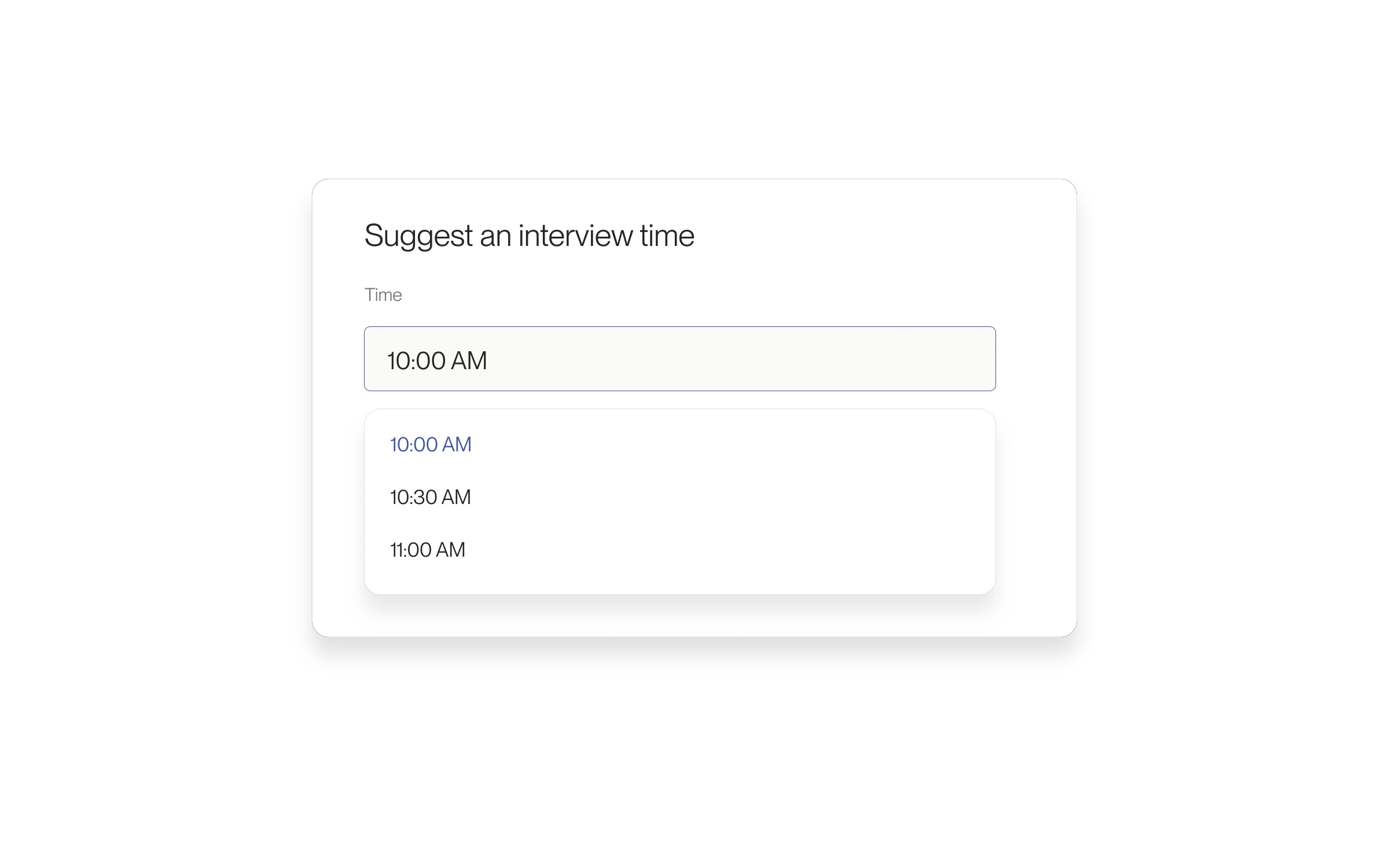
Clicking the interview time field opens its available times. You no longer have to target only the small dropdown arrow.
The problem it solves
Choosing a time should not depend on hitting a tiny control. The larger click target helps when you are entering or changing proposed interview slots.
How to use it
- Open an interview request or the available rescheduling form.
- Click or tap the time field and select a time.
- Check the date and displayed timezone for each proposed slot.
- Review the remaining details before sending the request.
The scheduling flow stays the same
Choosing a time in the field does not confirm an interview. Complete the request and check the resulting status.
Released May 26, 2026. Related guides have the current steps.
All release notes