
Pick up work with an existing hire
Eligible candidate cards now show Open project when that lawyer already has a matching workspace. The Hires list uses the same label, so you can return to work already underway without starting another hire.
This is useful when you are managing several lawyers under one hiring scope. Each workspace keeps that hire’s work separate. Cancelled, declined, or expired hire requests do not qualify for this shortcut.
Reopen hiring when you need another lawyer
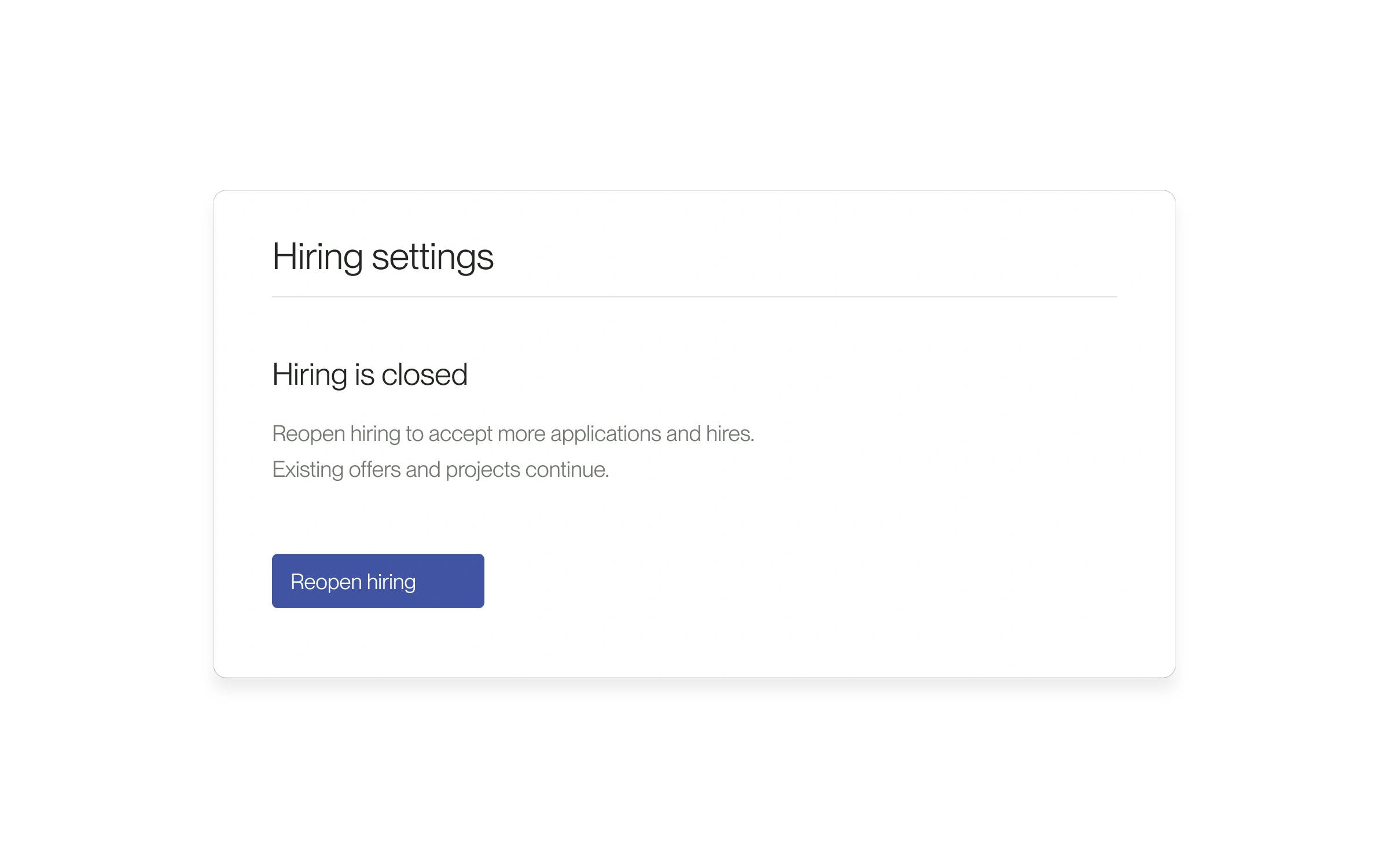
You can also open Hiring settings directly from the hiring Project. Existing offers and Projects continue when recruiting closes; reopening does not complete a new hire.
- Open the small-business Project’s candidate list. Use Open project to return to an existing eligible workspace.
- If a new hire is blocked because the position is no longer accepting hires, select Open hiring settings in the recovery message.
- For an eligible Project with multiple hires enabled, select Reopen hiring beneath Hiring is closed.
- Wait for Hiring reopened., then return to the candidate and continue the hiring steps.
If an action is missing
These controls depend on your account, Project, and candidate status. Open hiring settings is offered for the closed-hiring error; other errors need their own resolution. If the Project will not load, use its retry action or contact help@lawtrades.com.
Released September 16, 2026. Related guides have the current steps.
All release notes