
A useful starting point
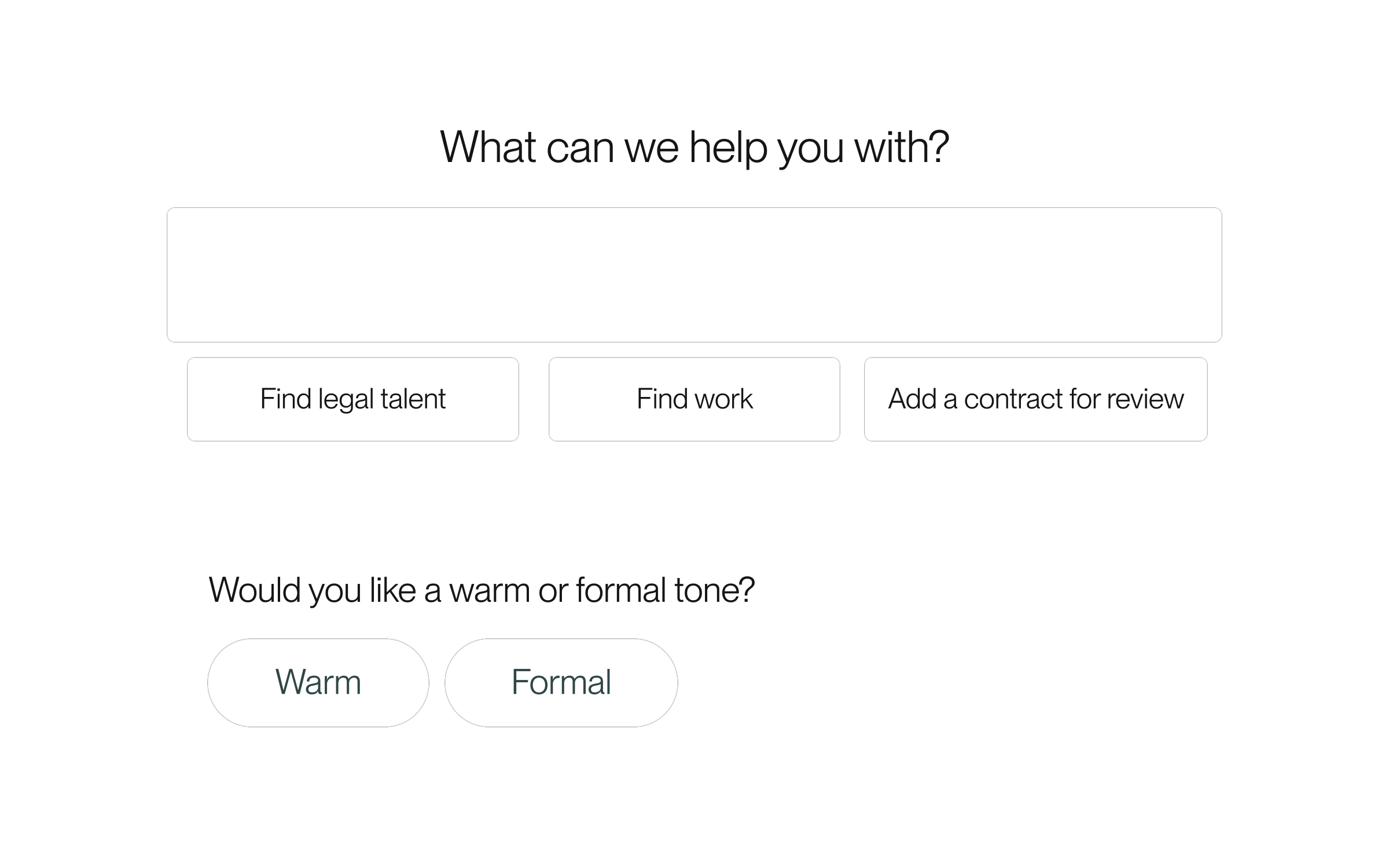
Lawtrades Agent now shows suggested tasks below the message box. Signed-in suggestions reflect your role and available context, with up to four options. You may see fewer, or none. Guest starters offer general directions such as finding legal talent or reviewing a contract.
After a completed answer, Agent can also offer a short set of follow-up choices. You can select one or write your own reply. Suggestions are optional and do not replace confirmation, signing, or payment steps.
Start a task and choose what comes next
Snoozing or dismissing changes the suggestion, not the underlying work. These controls belong to personal Agent chat; they are not a promise of the same experience in shared Project messages or weekly worklog flows.
- Open Lawtrades Agent and choose New chat. Expand the sidebar first if it is collapsed.
- Choose a suggested task, or write your own request. Some starters, including Add a contract for review and Share your scope, fill the message box so you can add files and details before sending. Other suggestions start the conversation immediately.
- Read the answer. If follow-up choices appear, select one to send that reply, or type your own response.
- For an account-based suggestion you want to set aside, open its three-dot Options menu. Choose Hide until tomorrow to hide it for 24 hours, or Hide suggestion to hide its current version. Select Undo if you change your mind.
Released September 21, 2026. Related guides have the current steps.
All release notes