
Help
Open Lawtrades
Changelog

Choose your Lawtrades emails from an unsubscribe link

The unsubscribe link in many Lawtrades emails now opens a page where you can turn each type of Lawtrades email on or off, or unsubscribe from all of them.
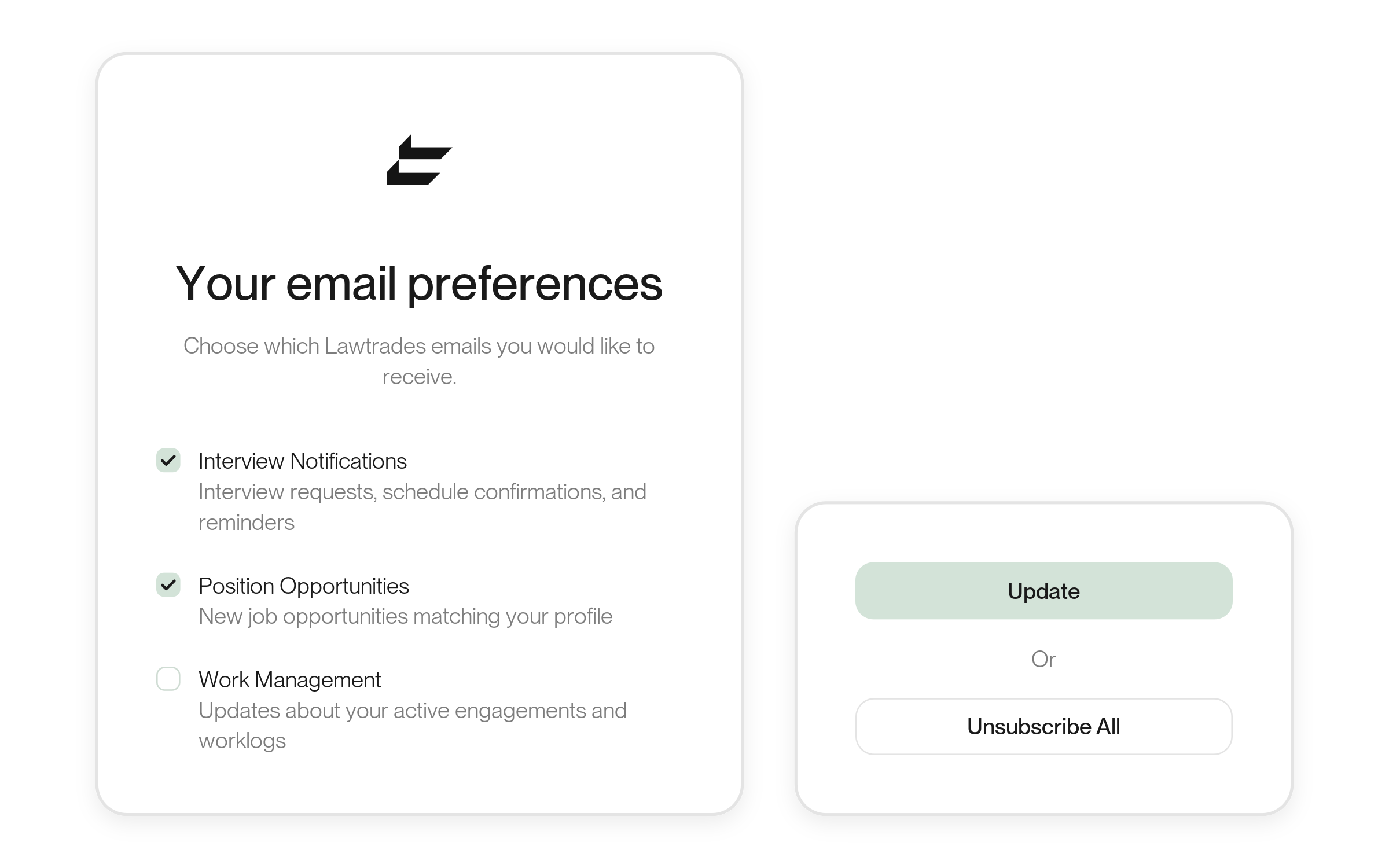
Editable illustration of the Your email preferences page: Choose which Lawtrades emails you would like to receive, with Interview Notifications and Position Opportunities ticked and Work Management unticked (three of the nine email types), beside the Update and Unsubscribe All buttons. Tick states are an example. Source-grounded product artwork, not a production screenshot.

Improvements

·Account

All your email choices on one page

Opening the unsubscribe link in many Lawtrades emails now shows Your email preferences. It lists nine types of email, such as Interview Notifications, Position Opportunities, Work Management, Weekly Summary and Offer and counter-offer emails. Tick the ones you want and select Update, or select Unsubscribe All. Opening the page alone changes nothing.

If you use your email app’s own unsubscribe button instead, only that email’s type is turned off. Talent see the same choices under Email Notifications in Settings.

Choose a state as your location

·Talent profile·For talent

Your profile location can now be a state as well as a city, and location search accepts any order.
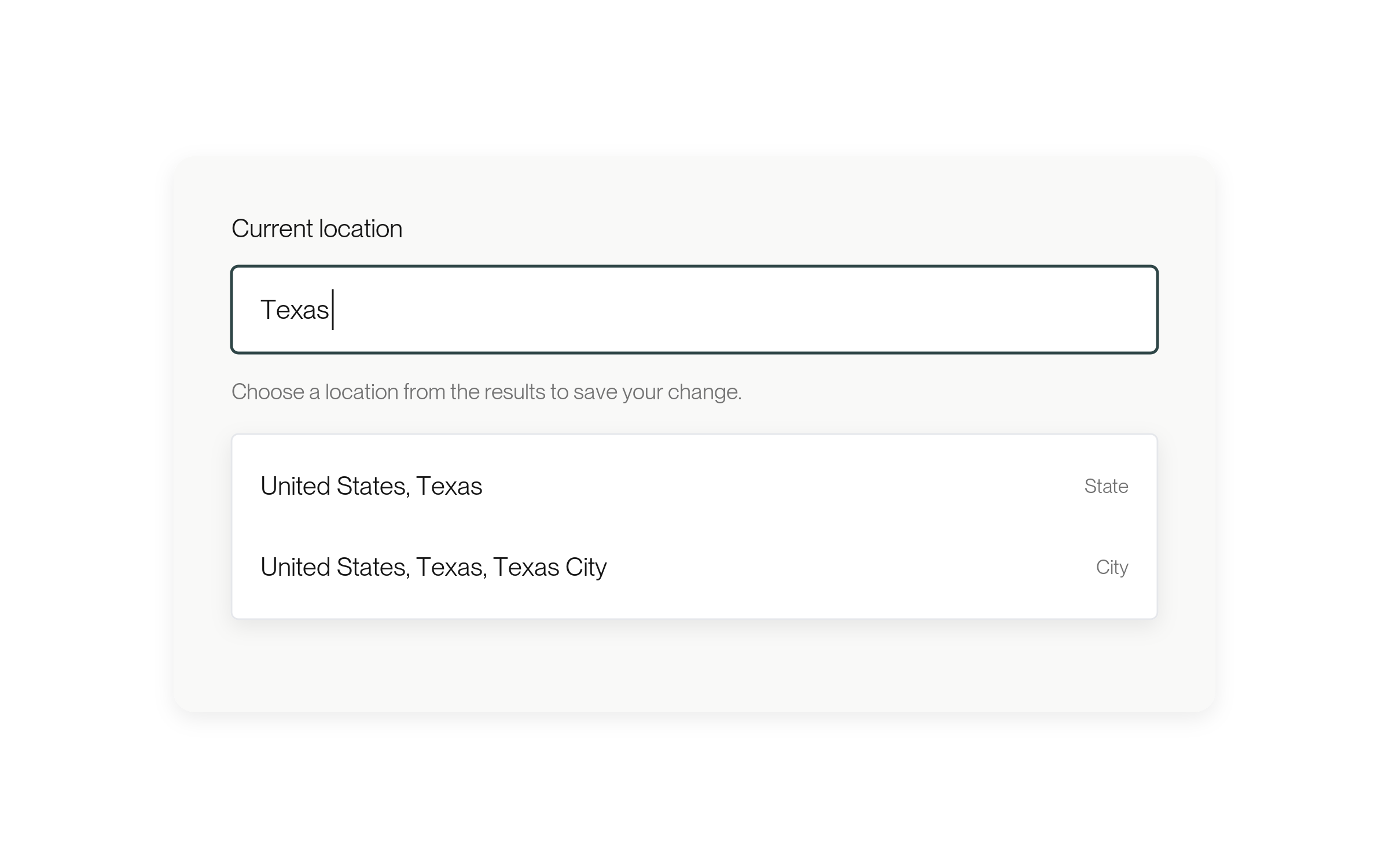
Editable illustration of the Current location field: the search Texas, the hint Choose a location from the results to save your change., and two results, United States, Texas marked State and United States, Texas, Texas City marked City. The results are illustrative examples. Source-grounded product artwork, not a production screenshot.
More about this change

A city or a whole state

In Current location on your profile, you can now choose a state, marked State in the results, as well as a city, marked City. Search works in any order, so “New York, Beacon” finds Beacon, New York. Choose a result from the list to save your change.

Fixes

Payout setup opens in every browser

·Billing·For talent

If Lawtrades can’t identify your browser, Payments now offers Add Payment Method instead of showing a setup error.

More about this change

Set up payouts from any browser

Setting up payouts in Payments could show an error in some browsers that Lawtrades couldn’t identify. Those browsers now get the same option as a private window: select Add Payment Method to open the setup form in a new tab. No setup is needed.

Hire links work for lawyers with private profiles

·Hiring·For small businesses

A hire link from your Lawtrades team for a specific lawyer now offers the hire flow even when that lawyer’s profile is private.

More about this change

The link opens the hire flow

Your Lawtrades team can send you a link to hire a specific lawyer. If that lawyer’s profile was private, the link offered only an interview request. It now opens the usual hire flow when the lawyer otherwise qualifies. Links tied to one of your Projects work as before. No setup is needed.

Start here · Legal talent

Update your talent profileEdit your details, location, work preferences, resume, and availability.GuideApply to an opportunityFind a role, prepare your pitch, check the rate or fee, and send your application.GuideReview the time logged for your workUse Insights to find entries and compare totals.GuideCheck your payment historyFind payments for your engagements and check the available totals.Guide

Start here · Companies

Manage a position in the dashboardFind a position, change its visibility, or close it.GuideReview candidates in the dashboardChoose a position, review its candidates and offers, and act from a profile or a shortlist.GuideFind and download invoicesSearch invoices, open available documents, and export a CSV.GuideInvite a teammateAdd a colleague to your company workspace.Guide

Start here · Small businesses

Scope your Project and find a lawyerDescribe the work, set the budget and start date, then message or hire a lawyer.GuideReview candidates for your ProjectCompare lawyers for your Project and choose who to message, interview or hire.GuideNavigate your ProjectFind candidates, offers, conversations, files and worklogs in a Project.GuideCheck your Project’s paymentsFind hourly charges in Billing and flat-fee payments in Milestones.Guide

What’s new

Choose your Lawtrades emails from an unsubscribe linkWeek of Nov 2ChangelogReview candidates in a table and track offers in their own tabWeek of Oct 26ChangelogSee who each job is for and filter by role typeWeek of Oct 19Changelog
↑ ↓ to move↵ to openesc to close