
Your referral tracker now shows Hired and Reward earned
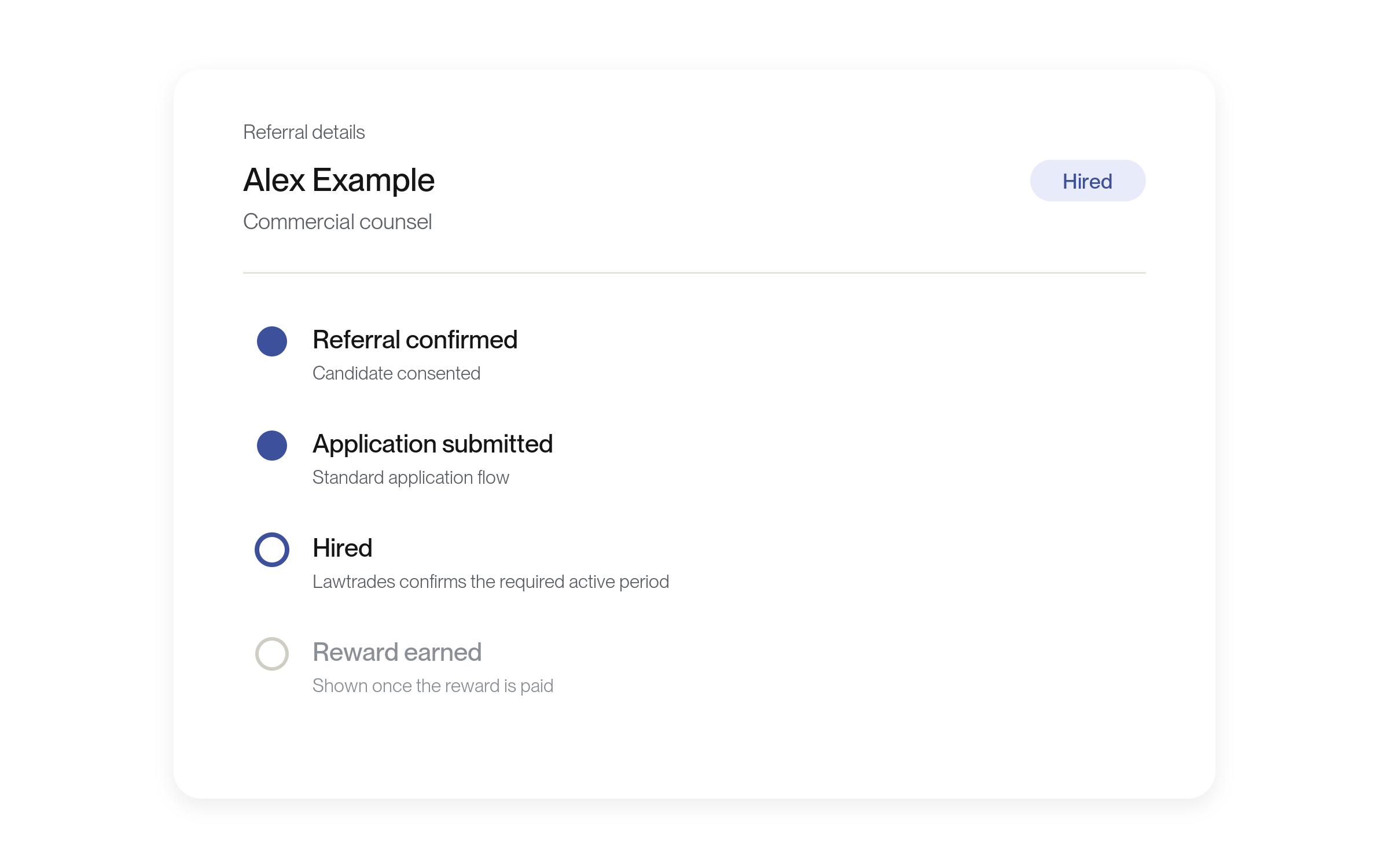
In My referrals, a referral now shows Hired once the person is placed, and Reward earned only after the reward is paid.
Improvements
Clearer progress on each referral
The summary at the top of My referrals now counts Active, Hired and Paid. Placement stage and Reward review are gone.
A referral shows Hired through the required active period and Lawtrades’ review, then Reward earned once the reward is paid. Its detail panel follows the same steps: Referral confirmed, Application submitted, Hired and, if it qualifies for a reward, Reward earned. Reward terms are unchanged. No setup is needed.
Confirm it’s you before your bank details change
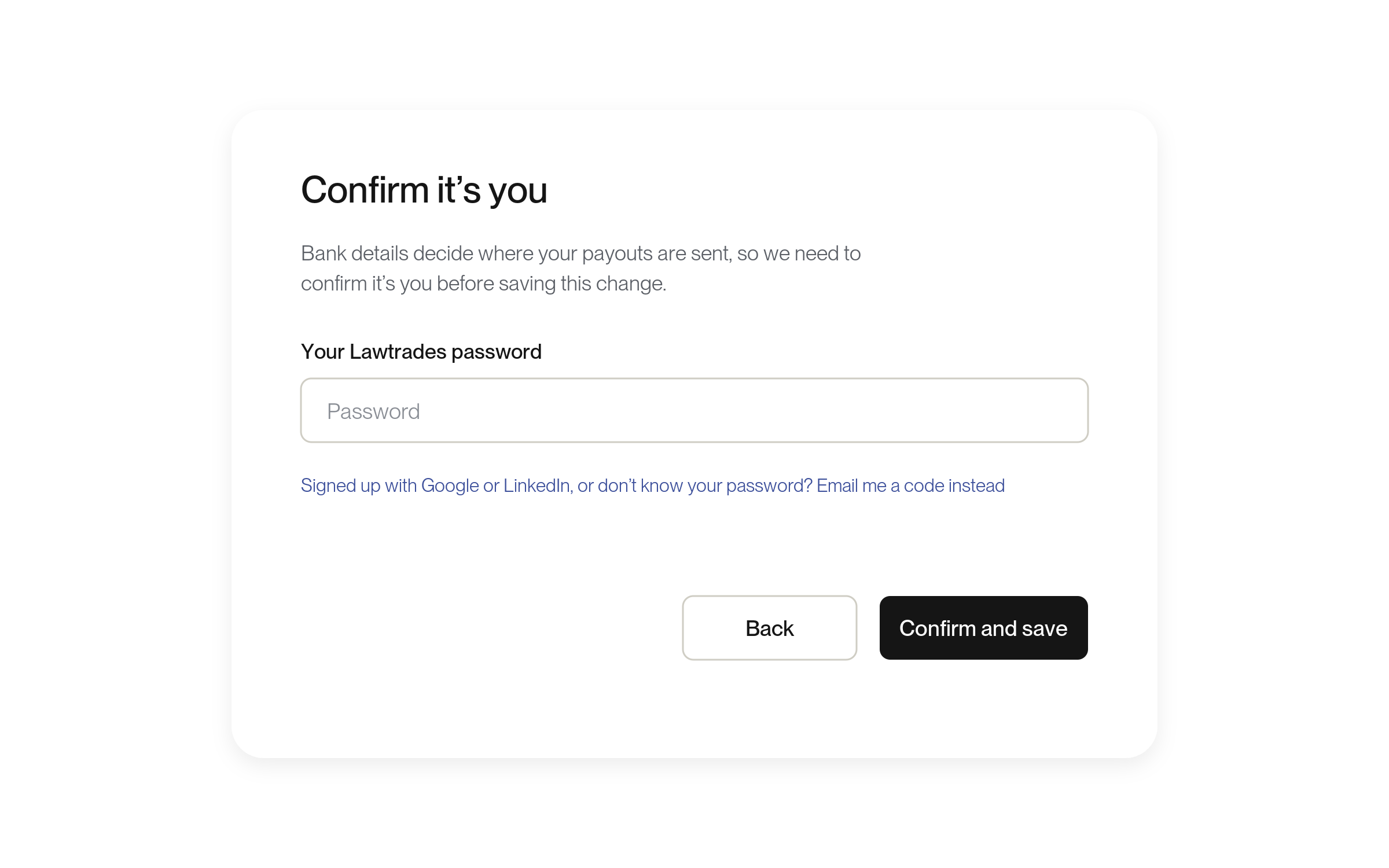
Adding or changing a payout bank account now asks you to confirm it’s you, and saved account and routing numbers show only their last four digits.
More about this change
A quick check protects where your payouts go
If you have a bank account saved under Bank Account in your account menu, adding or changing one now asks you to confirm it’s you. Enter your Lawtrades password, or select Email me a code instead and enter the code we email you. Then select Confirm and save.
Saved account and routing numbers now show only their last four digits. To edit an account, enter both full numbers again. No setup is needed.
Verify your phone number right in Account Settings
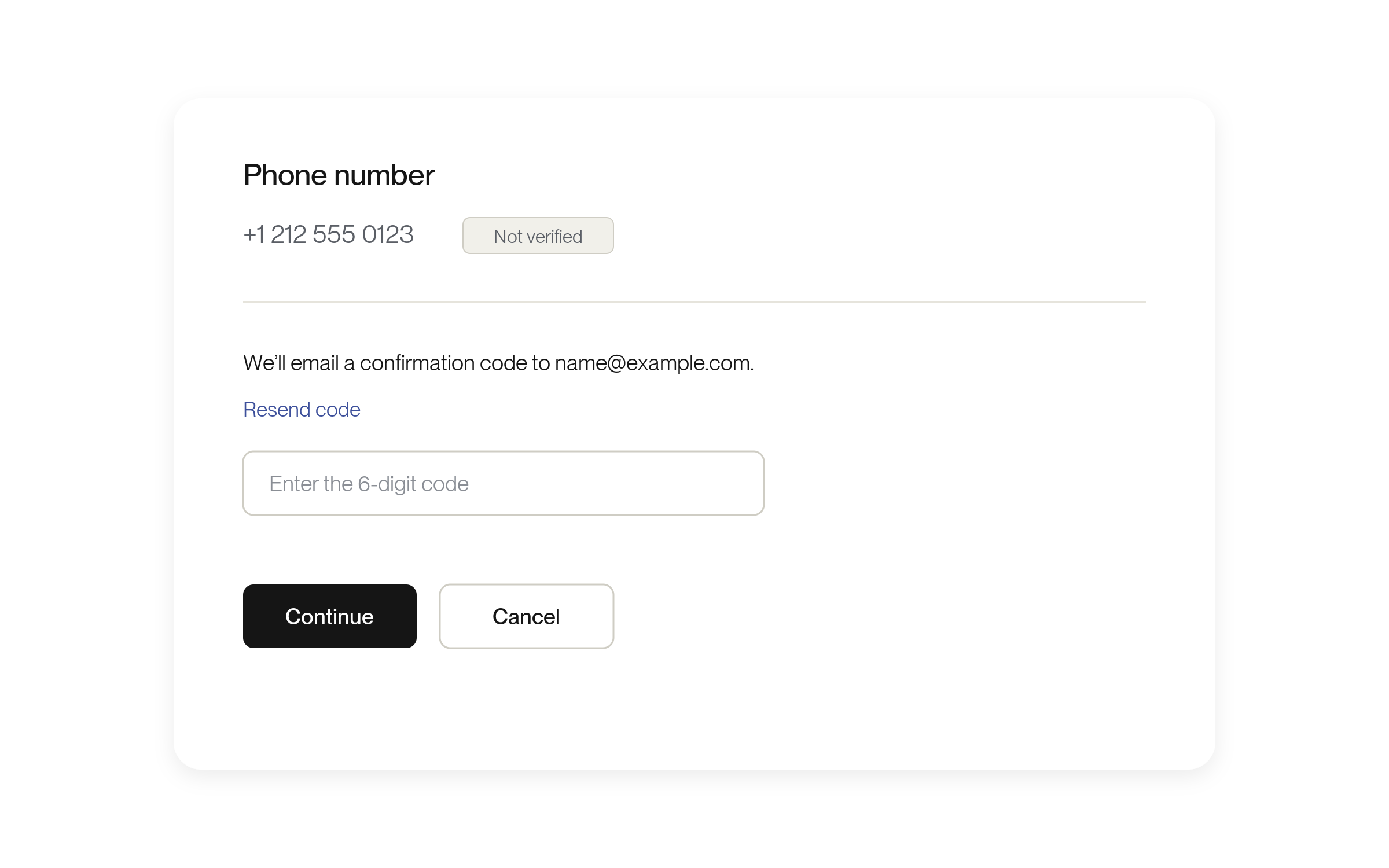
The Phone number row in Account Settings now shows Verified or Not verified, with a Verify button.
More about this change
Verify your number where you manage it
Phone verification has moved from the Recommended: verify your phone card at the top of Settings into the Phone number row under Account Settings. A Verified or Not verified tag shows beside your saved number.
To verify, select Verify, then Send code, and enter the code we email you. Select Continue and finish the text-message check. If you change the number, verify the new one. No setup is needed.
Fixes
Offers show clearer errors and closing statuses
The Offers page now shows load and decline errors where you can act on them, and closed offers say whether they were cancelled or expired.
More about this change
Fewer silent failures on the Offers page
If declining an offer fails, the error now shows in the decline window. If your engagements can’t load, the page says Your engagements couldn’t load, so active work may be missing. with Retry. In an open offer, Automatic updates paused with Refresh appears when updates keep failing.
Past offers now show Cancelled or Expired instead of Declined when that’s how they closed. The Background check step is no longer marked done when there’s no check. No setup is needed.
Profile saves now accept emoji and letters like ř
Saving a headline or long bio with emoji or letters like ř or č no longer fails.
More about this change
Your headline and bio save as you typed them
Saving your profile or finishing onboarding could fail when your headline or long bio contained emoji or certain accented letters, such as ř or č. Those characters now save and show as you typed them. No setup is needed.
Referral links keep working when you reopen, copy or reload them
A referral link now still shows your invitation when you open it in a new tab, another browser or another device, or reload the page.
More about this change
Your invitation no longer disappears
Opening a referral link in a new tab, with “Open in Safari” from another app, or on another device could show This link can’t be used, and the referral was lost. The link now stays in the address bar as you opened it, so reloading or reopening it shows your invitation again. No setup is needed.
If you reach the referral page without the link, it shows the role invitation you opened in that browser in the last seven days, if you haven’t answered it yet. Otherwise it says Open your referral link again: open the link you were sent.
Clients are asked for their company only once
If you already have a company, Lawtrades no longer asks for it again or moves you to a second one. A company you pick from the suggestions keeps its logo.
More about this change
No second company prompt
After you added your company at signup, saving a role could ask “What’s the name of your company?” again. A different answer could create a second company and leave your draft behind. Lawtrades now checks your account first and keeps you on the company you already have. No setup is needed.
If you don’t have a company yet, you’re still asked once. A company you pick from the suggestions now keeps its logo instead of a default one.