
Update your phone number
1 improvement and 1 fix this week.
Improvements
Update your phone number
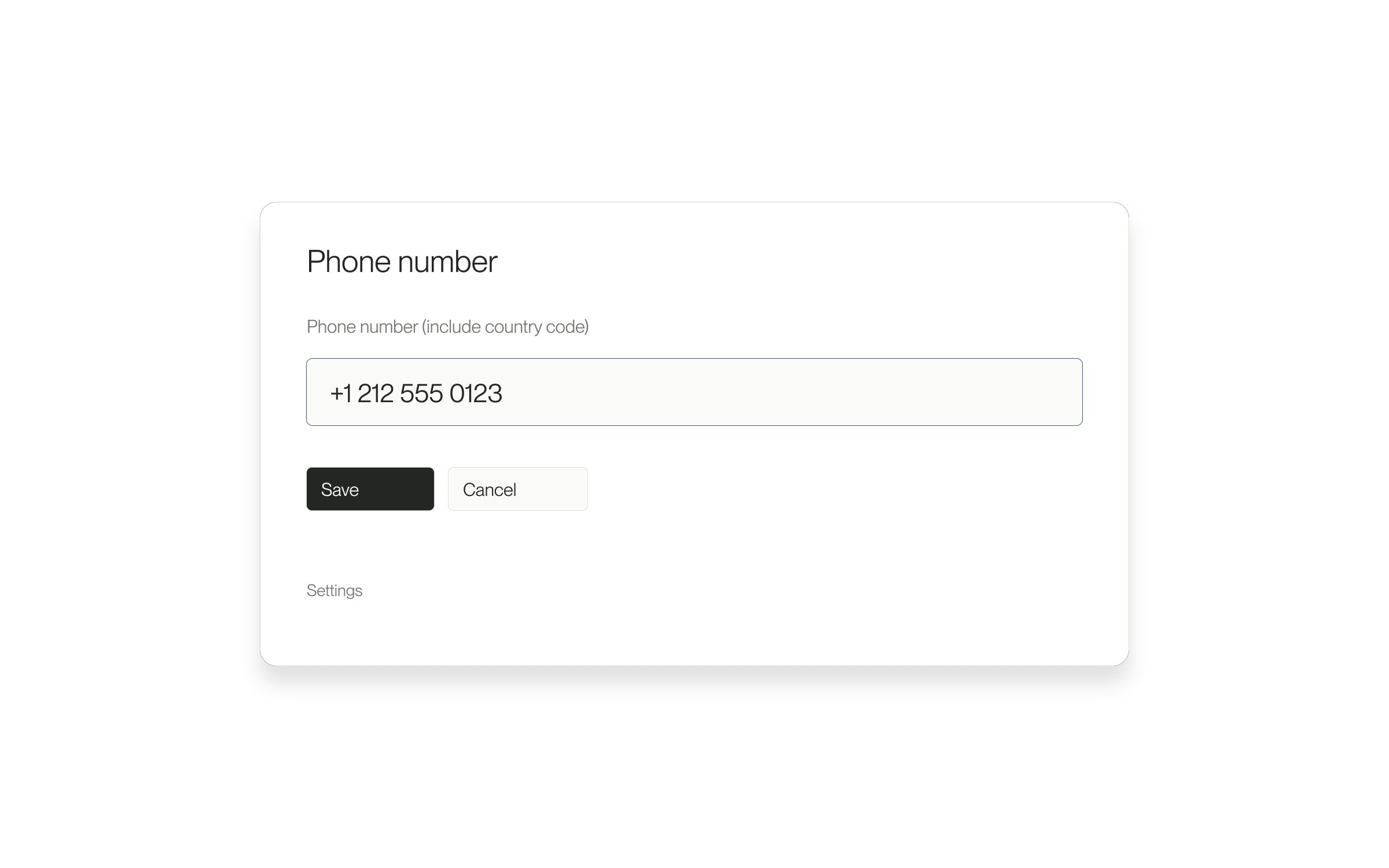
Talent can add or change their contact phone number from account settings.
More about this change
Keep your contact number current
Talent can add or change a contact phone number directly in dashboard Settings.
When this helps
Use this when you have a new number or need to correct your account details. It gives you a direct place to maintain the number instead of leaving an outdated contact detail on your account.
What saving means
This updates your contact details. It does not verify ownership of the number or opt you into SMS. If saving fails, correct the number and retry; if only the profile checklist is stale, reload the page.
Fixes
Save profile visibility on mobile
Changing profile visibility on your phone now saves the selection.
More about this change
Save visibility changes from your phone
The mobile profile controls now use the same save action as the desktop view. This fixes a selection that could appear to change without persisting.
The problem it solves
A visibility setting should reflect your saved choice, not only the state of a control on the screen. This change makes the mobile selection persist when the save succeeds.
Scope of this fix
This corrects saving from the mobile control. It does not change the account and relationship rules that determine who can access profile information.