
Help
Open Lawtrades
Changelog

Search your past chats

Find a phrase in your saved conversations and jump to the original message.

Product illustration with fictional data: a centered search panel finds a matching excerpt for termination; selecting the result opens the original message below. This is authored artwork, not a production screenshot.

New features

·Agent

Find it. Pick up where you left off.

Select the Search icon in the sidebar, enter a phrase, and press Enter. Select a matching message result to jump to the original message. Your current draft stays saved.

Use Search more chats when there is more history to check. Chat and Project names filter as you type.

Improvements

Prepare and practice for your interview

·Agent·For talent · For clients

Get a brief for your upcoming interview. Candidates can then rehearse one question at a time with feedback.
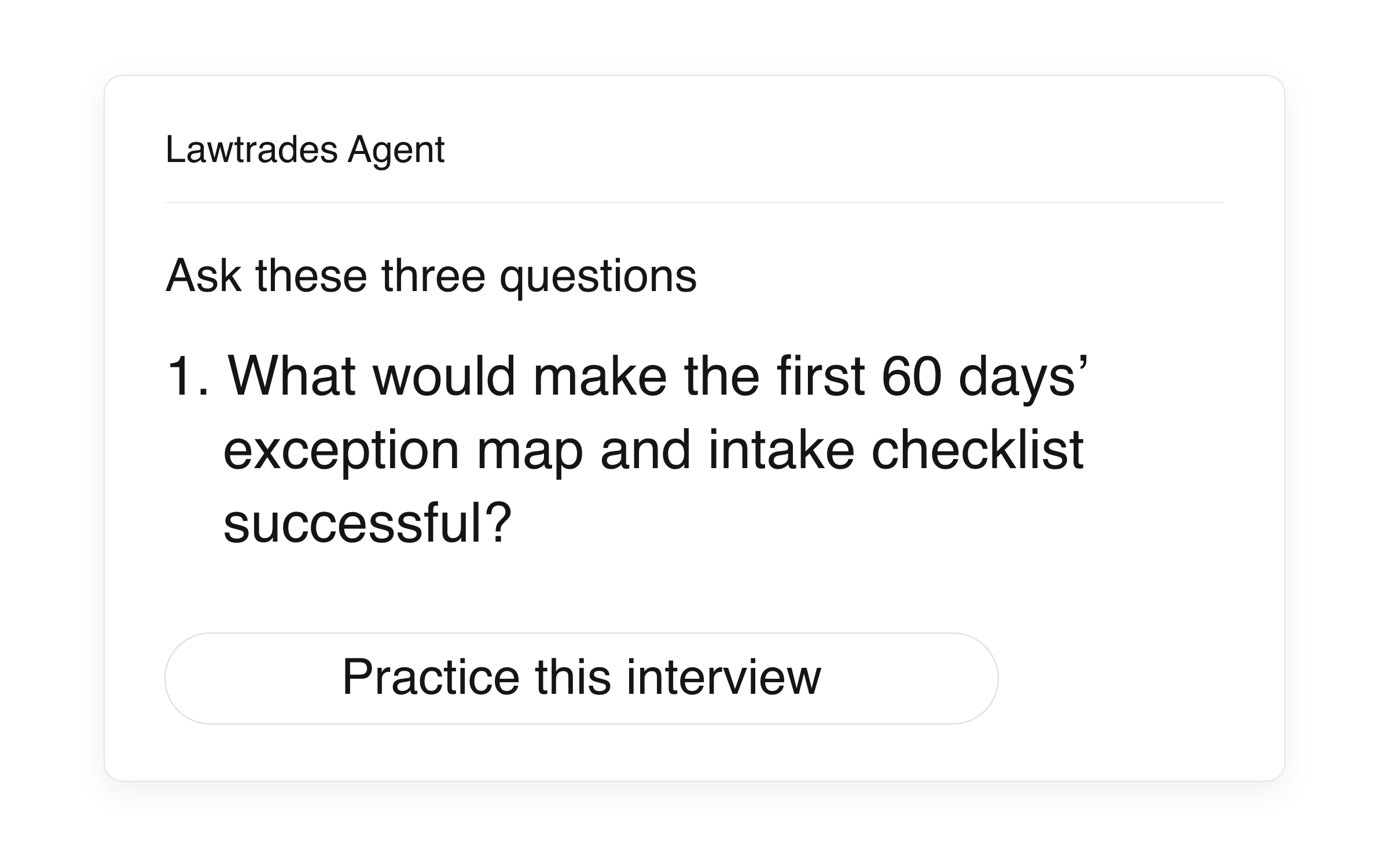
Editable product illustration: a single question excerpted from a fictional QA interview brief, followed by the inspected Practice this interview control. This is an illustration, not a production screenshot.
More about this change

From preparation to practice

Select Prep beside an upcoming interview to open a brief in Lawtrades Agent. Candidates get talking points, examples to prepare and questions to ask. Interviewers get questions and follow-ups grounded in the role and candidate profile.

Rehearse with the context in place

Candidates can select Practice this interview after the brief to answer one question at a time and get feedback. Practice keeps the interview’s available role and profile context throughout the conversation.

Open Interviews → Upcoming to get started.

Start here · Legal talent

Update your talent profileEdit your details, location, work preferences, resume, and availability.GuideApply to an opportunityFind a role, prepare your pitch, check the rate or fee, and send your application.GuideReview the time logged for your workUse Insights to find entries and compare totals.GuideCheck your payment historyFind payments for your engagements and check the available totals.Guide

Start here · Companies

Manage a position in the dashboardFind a position, change its visibility, or close it.GuideReview candidates in the dashboardChoose a position, review its candidates and offers, and act from a profile or a shortlist.GuideFind and download invoicesSearch invoices, open available documents, and export a CSV.GuideInvite a teammateAdd a colleague to your company workspace.Guide

Start here · Small businesses

Scope your Project and find a lawyerDescribe the work, set the budget and start date, then message or hire a lawyer.GuideReview candidates for your ProjectCompare lawyers for your Project and choose who to message, interview or hire.GuideNavigate your ProjectFind candidates, offers, conversations, files and worklogs in a Project.GuideCheck your Project’s paymentsFind hourly charges in Billing and flat-fee payments in Milestones.Guide

What’s new

Choose your Lawtrades emails from an unsubscribe linkWeek of Nov 2ChangelogReview candidates in a table and track offers in their own tabWeek of Oct 26ChangelogSee who each job is for and filter by role typeWeek of Oct 19Changelog
↑ ↓ to move↵ to openesc to close