
Launches
New features in Lawtrades.
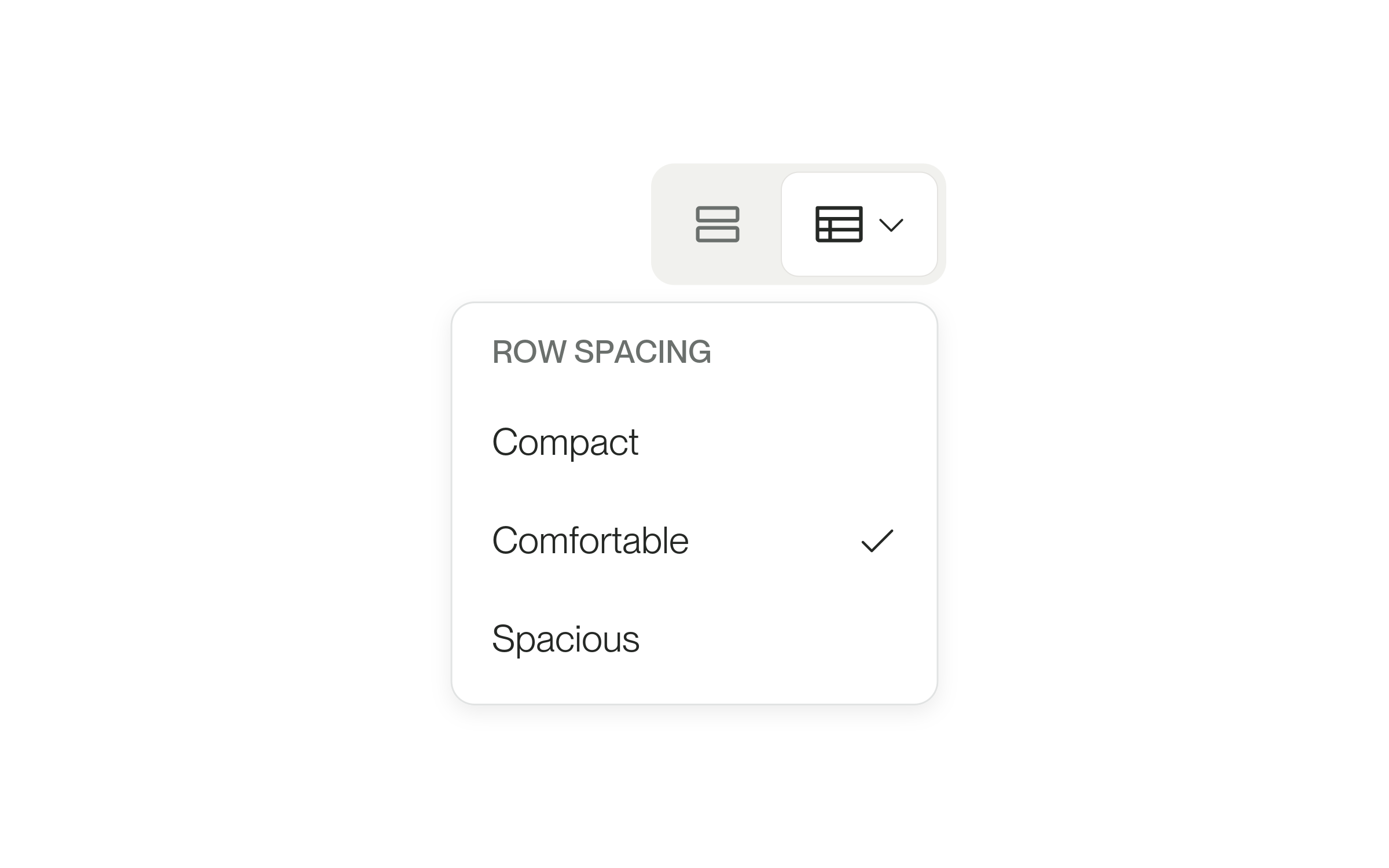
Review candidates in a table and track offers in their own tab
A position’s candidates can now be shown as a table with bulk actions, and lawyers you’ve sent offers to move to an Offers tab.
Decide next steps or share feedback after an interview
After an interview, clients get an email to hire, schedule another conversation or pass, and talent get an email to share feedback.
Interview confirmations open the interview and Interview Prep
When an interview is confirmed, clients and talent get an email that opens Interview Prep in Lawtrades Agent or the interview itself.
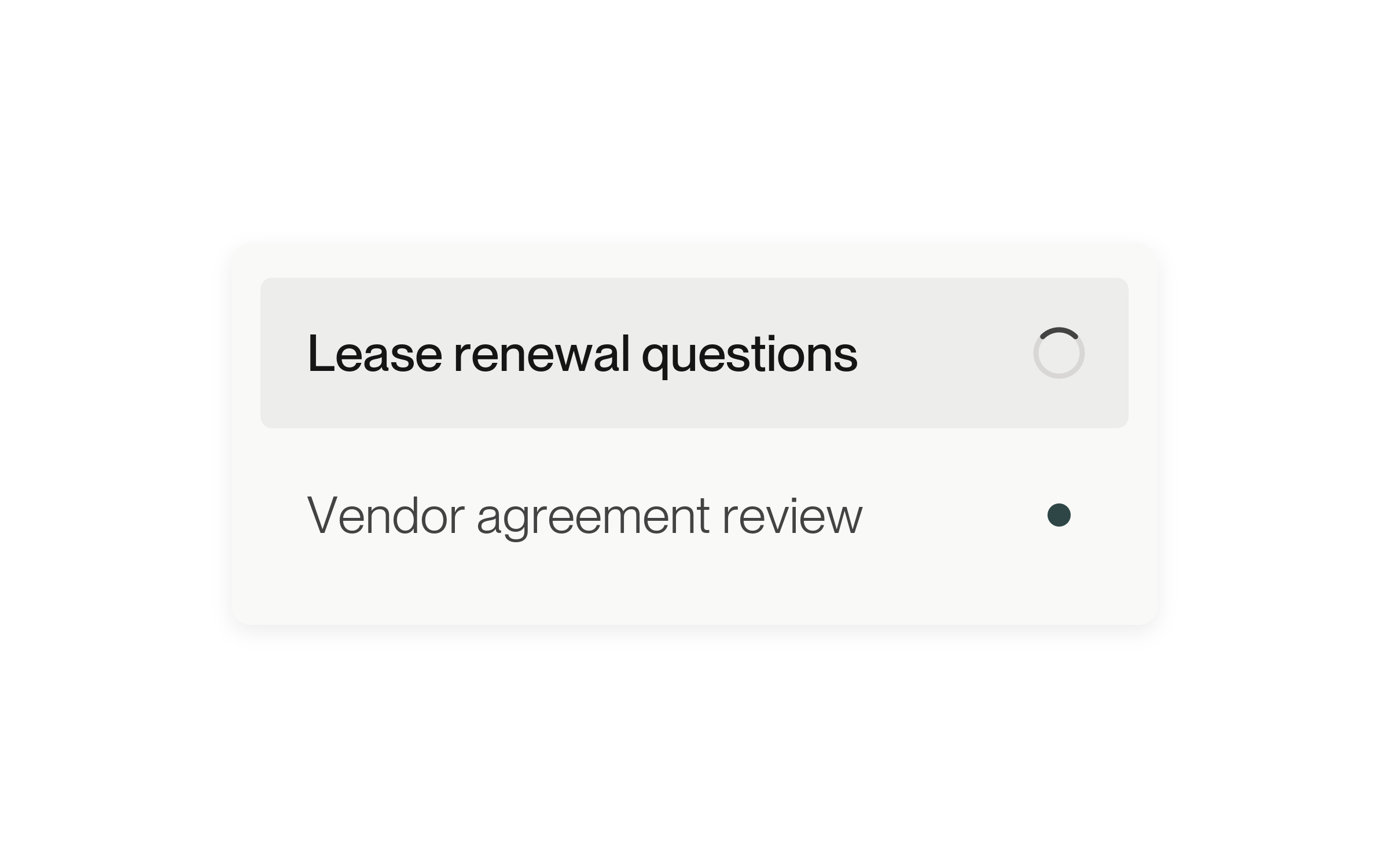
Start another Agent chat while a reply runs
Agent keeps writing a reply while you open or start another personal chat, and the sidebar shows which chats are working or have a new reply.

Compare your emailed shortlist in Lawtrades Agent
Update, October 14: shortlist email links now open the candidate’s profile on the Candidates page. Select Compare with Agent to compare the emailed candidates in Lawtrades Agent. The original October 13 note is kept below.
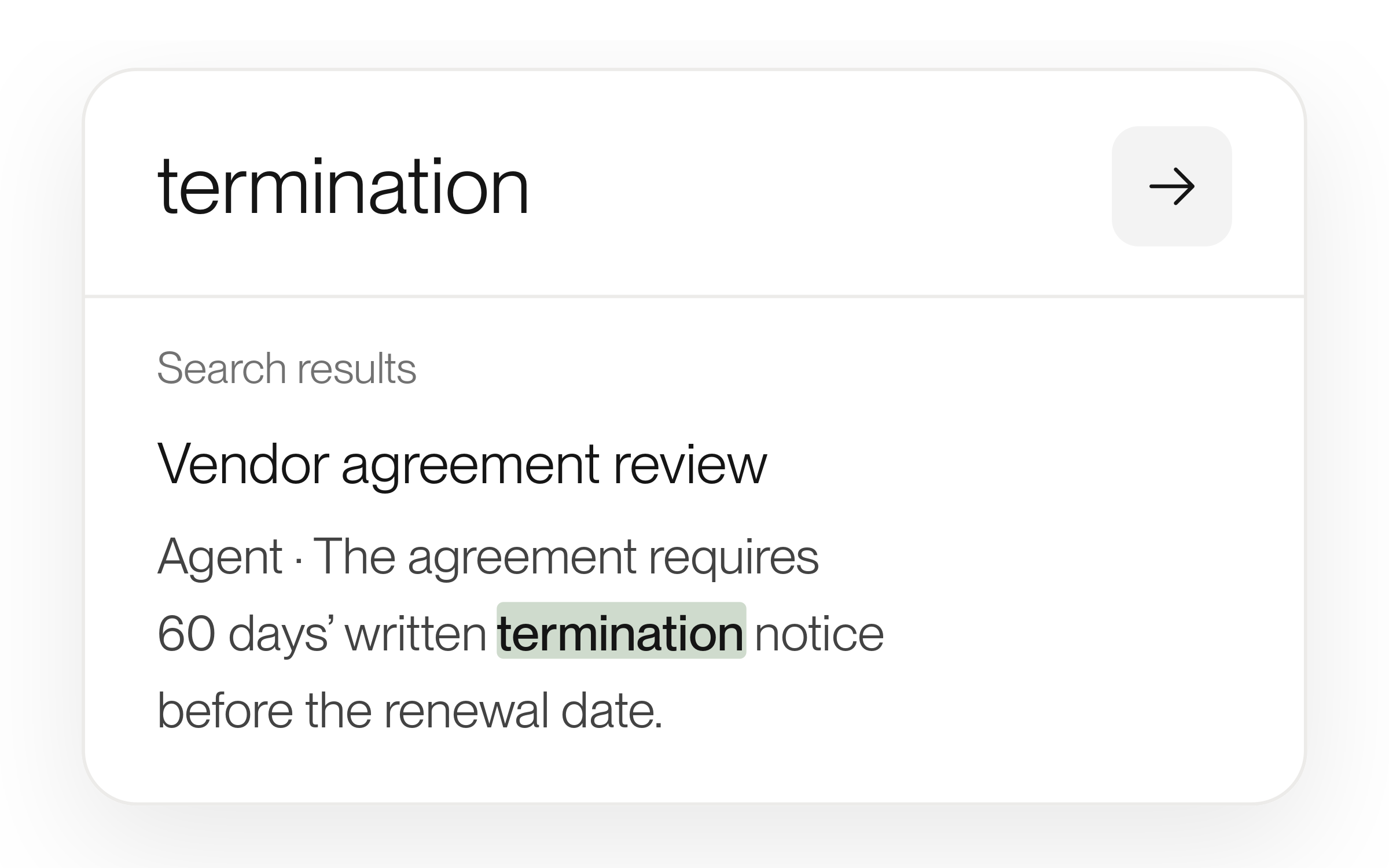
Search your past chats
Find a phrase in your saved conversations and jump to the original message.
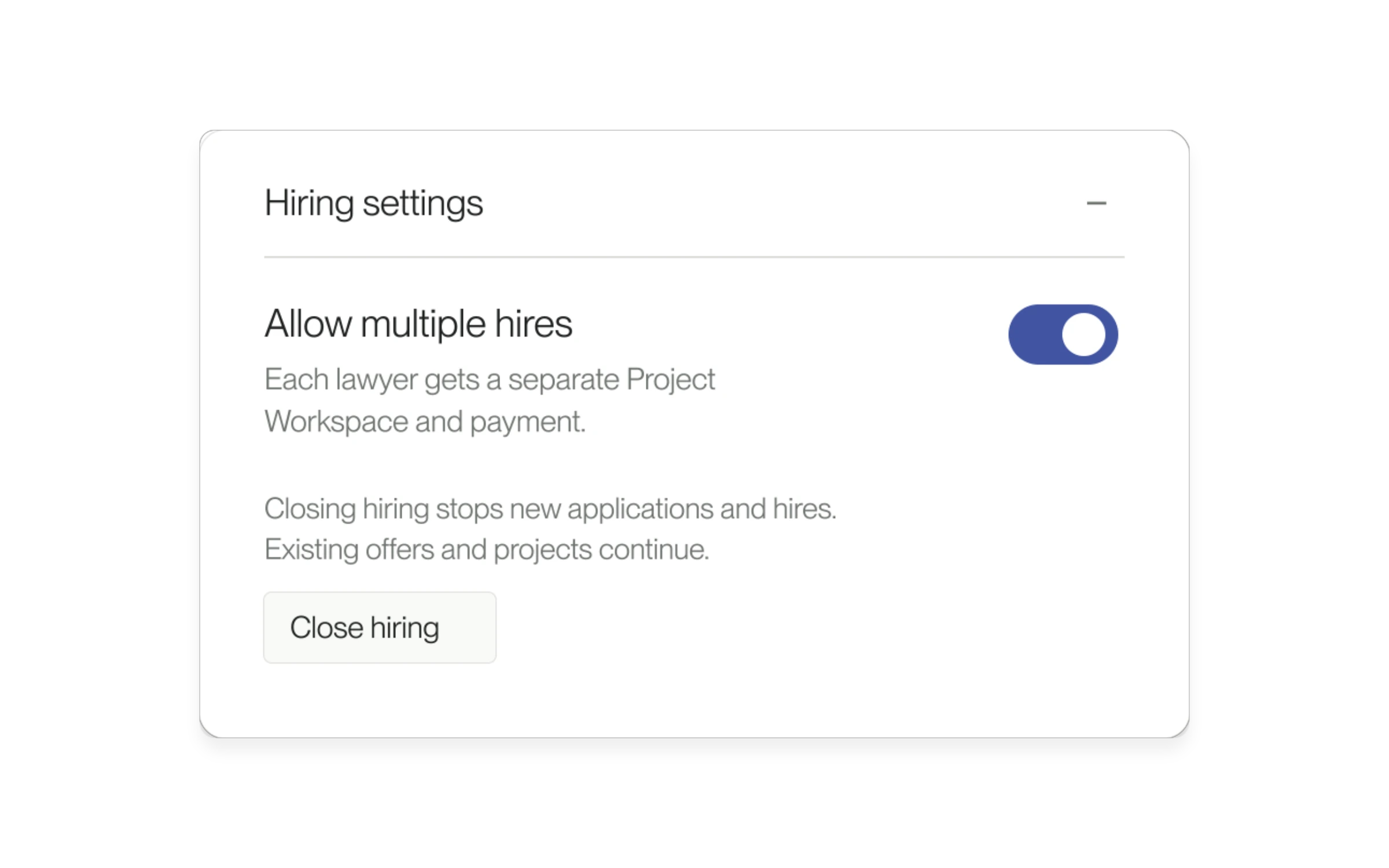
Hire multiple lawyers for one Project
Hire more than one lawyer for a small-business Project, with a separate workspace for each hire.

Download an agreement before signing
Download the agreement from your signing preview and review it as a PDF.
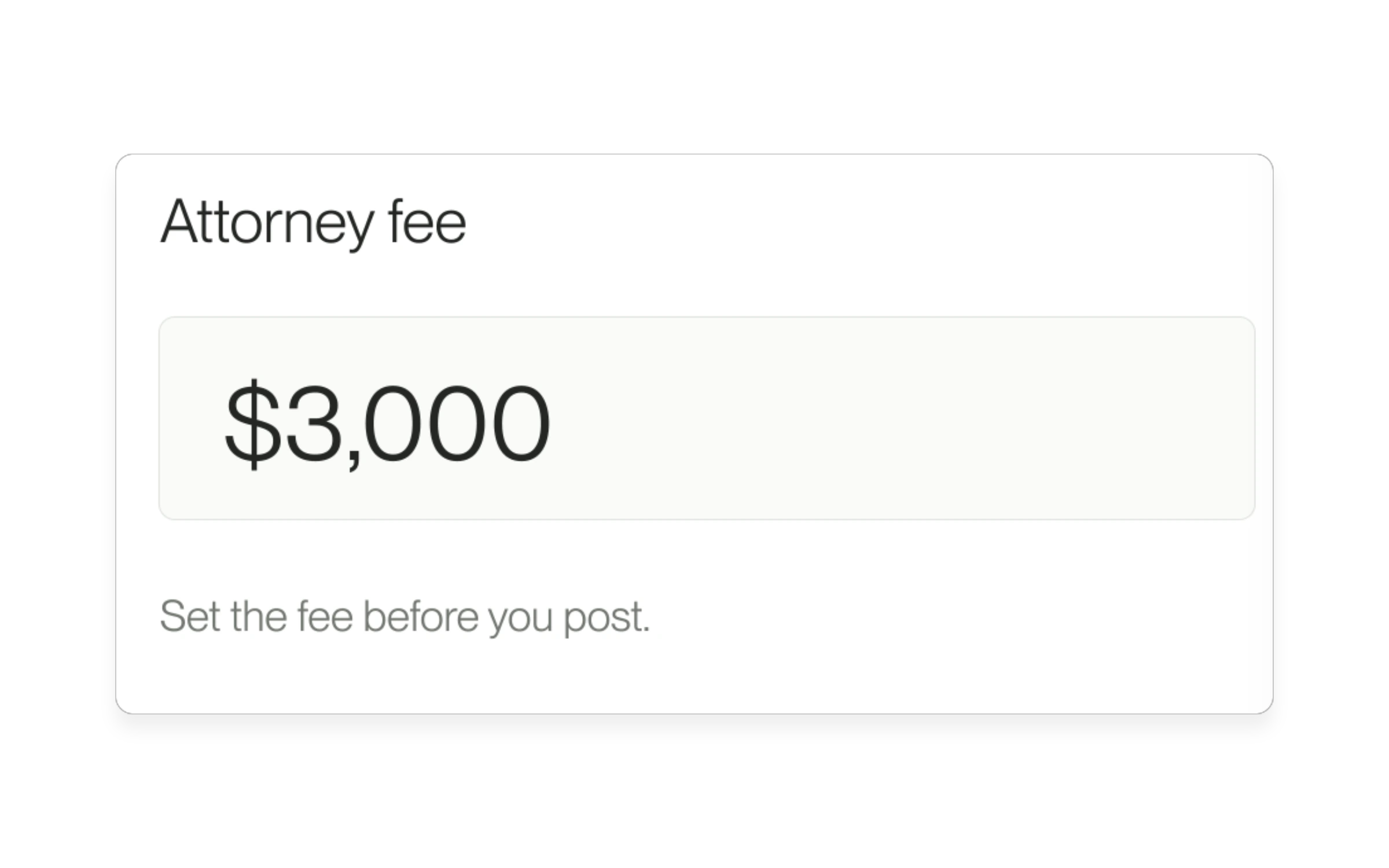
Set a flat fee for your Project
Set the attorney fee before you post. Lawyers can review the posted fee, and you see the full cost before you hire.
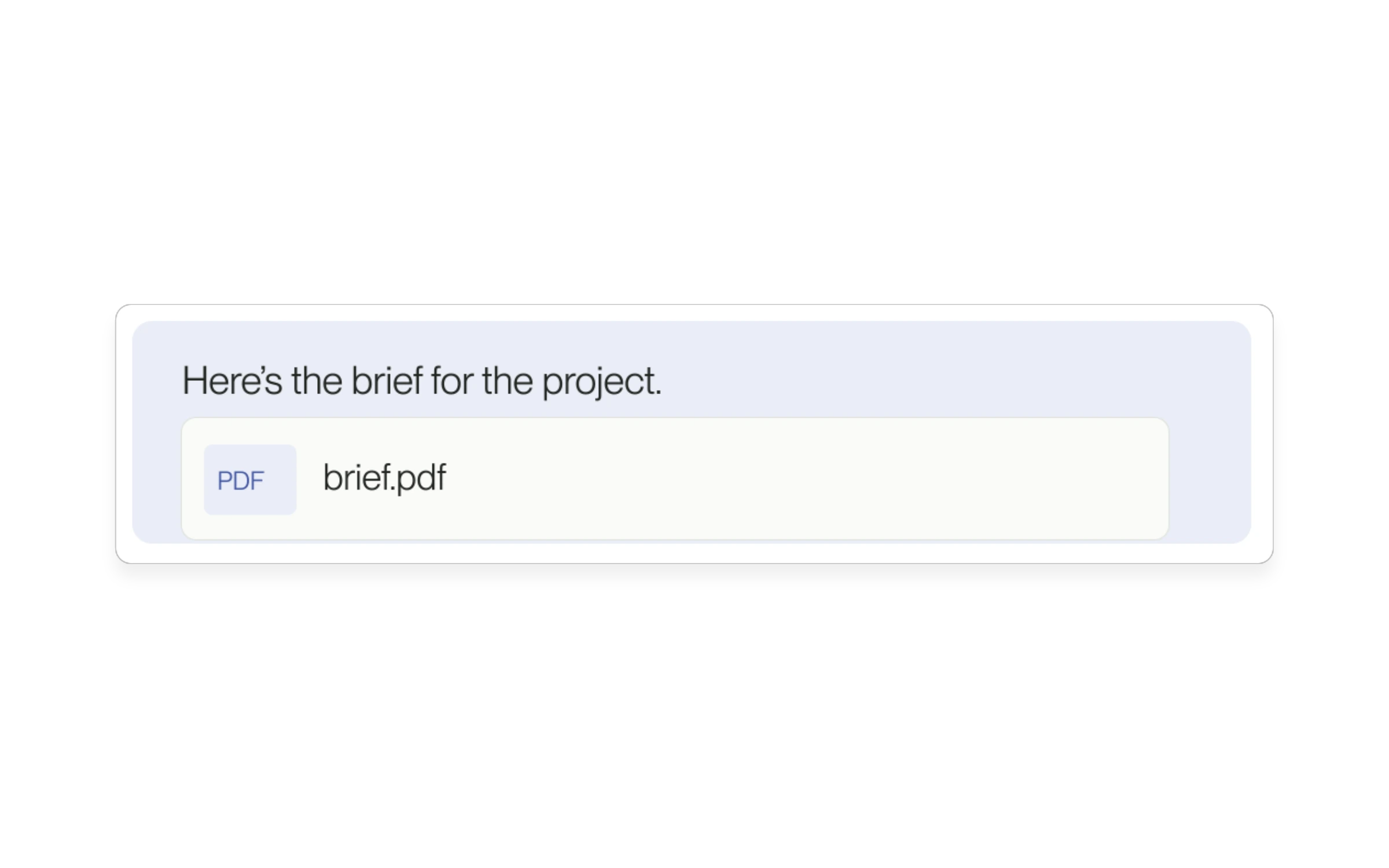
Share files before hiring
Send documents in your Project conversation before hiring a lawyer.
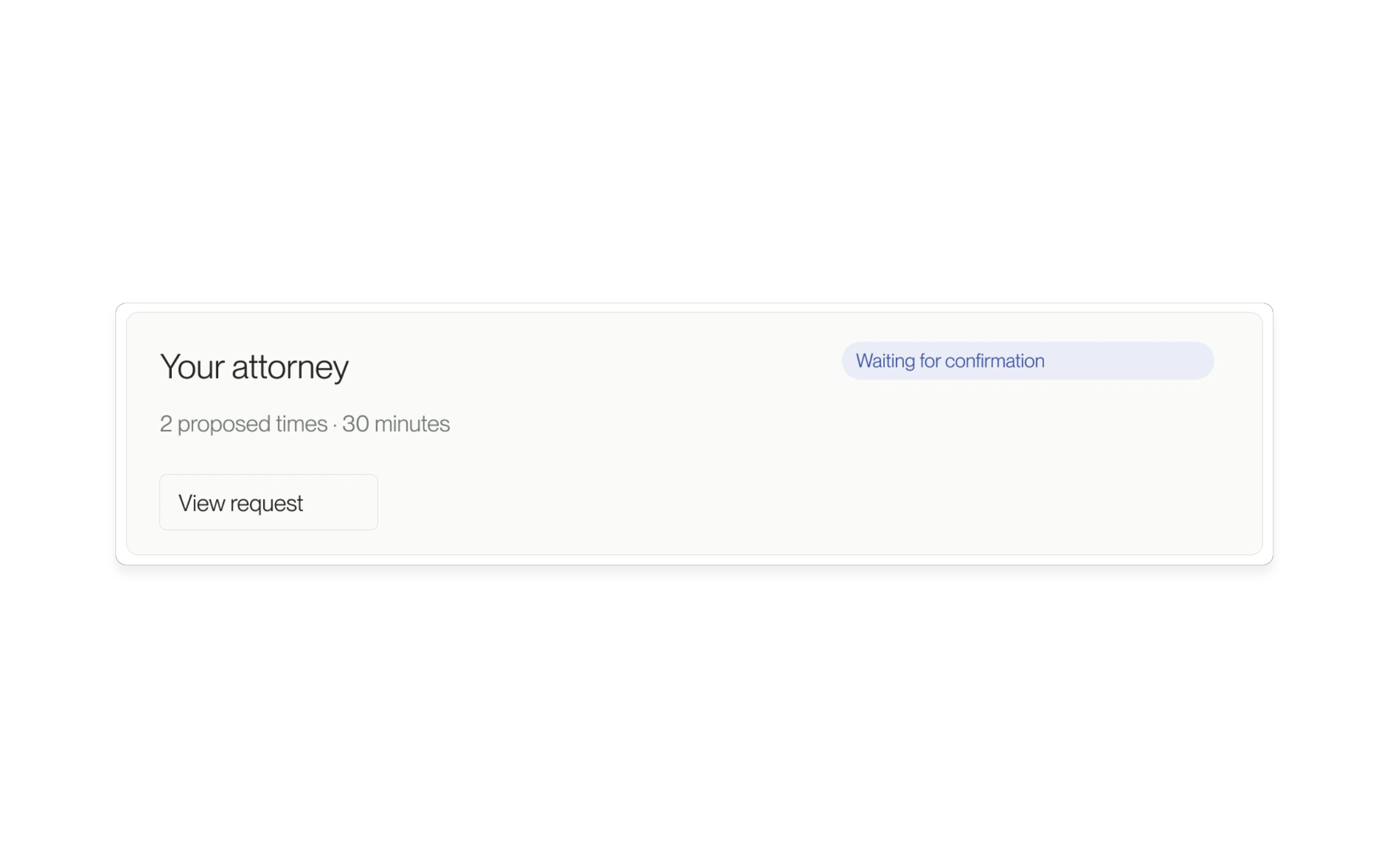
Schedule interviews in your Project
Schedule an interview from a candidate or message thread. Keep the request, the details, and the call link in your Project.
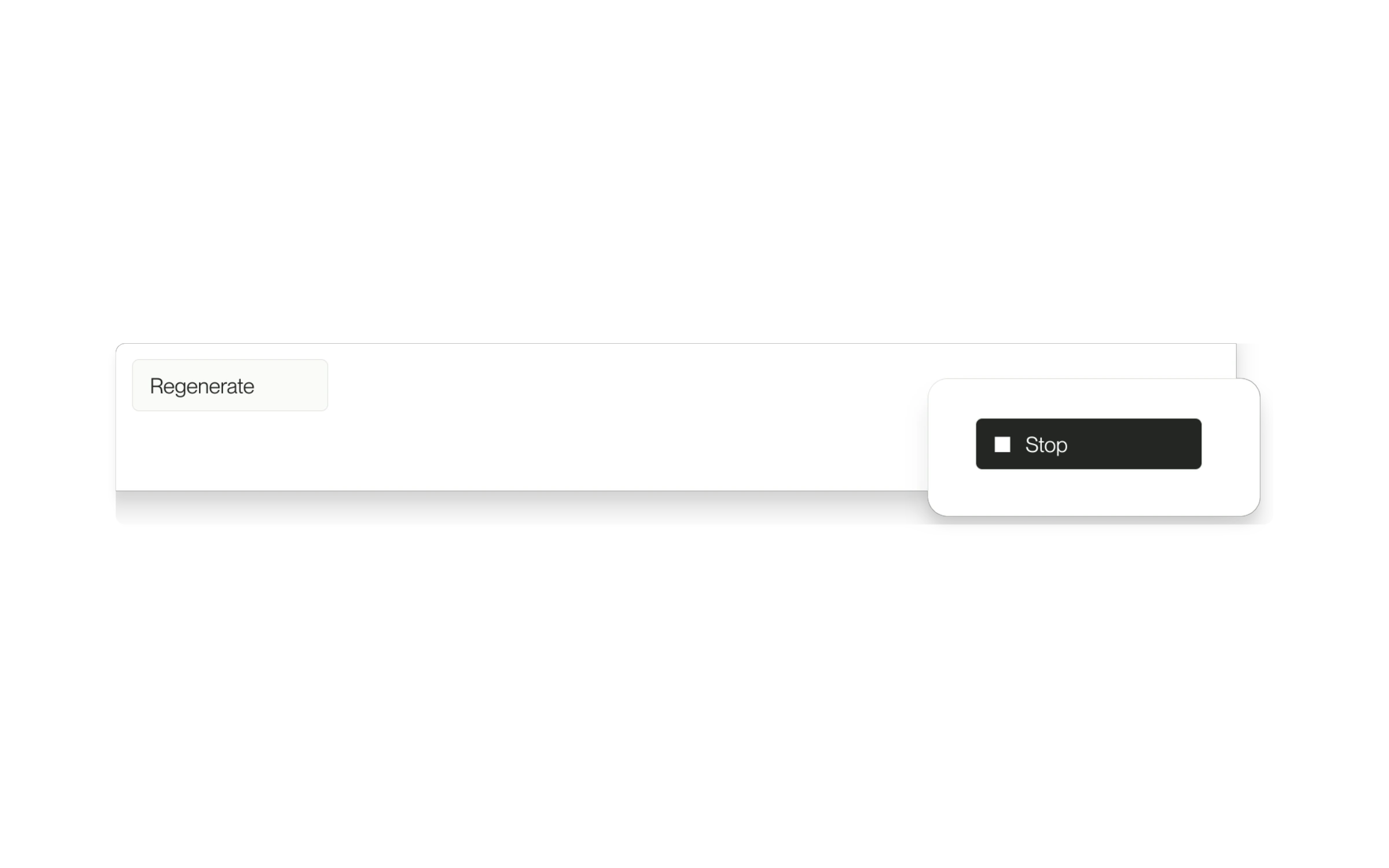
Stop or regenerate an Agent reply
Interrupt an Agent response or regenerate its latest answer.
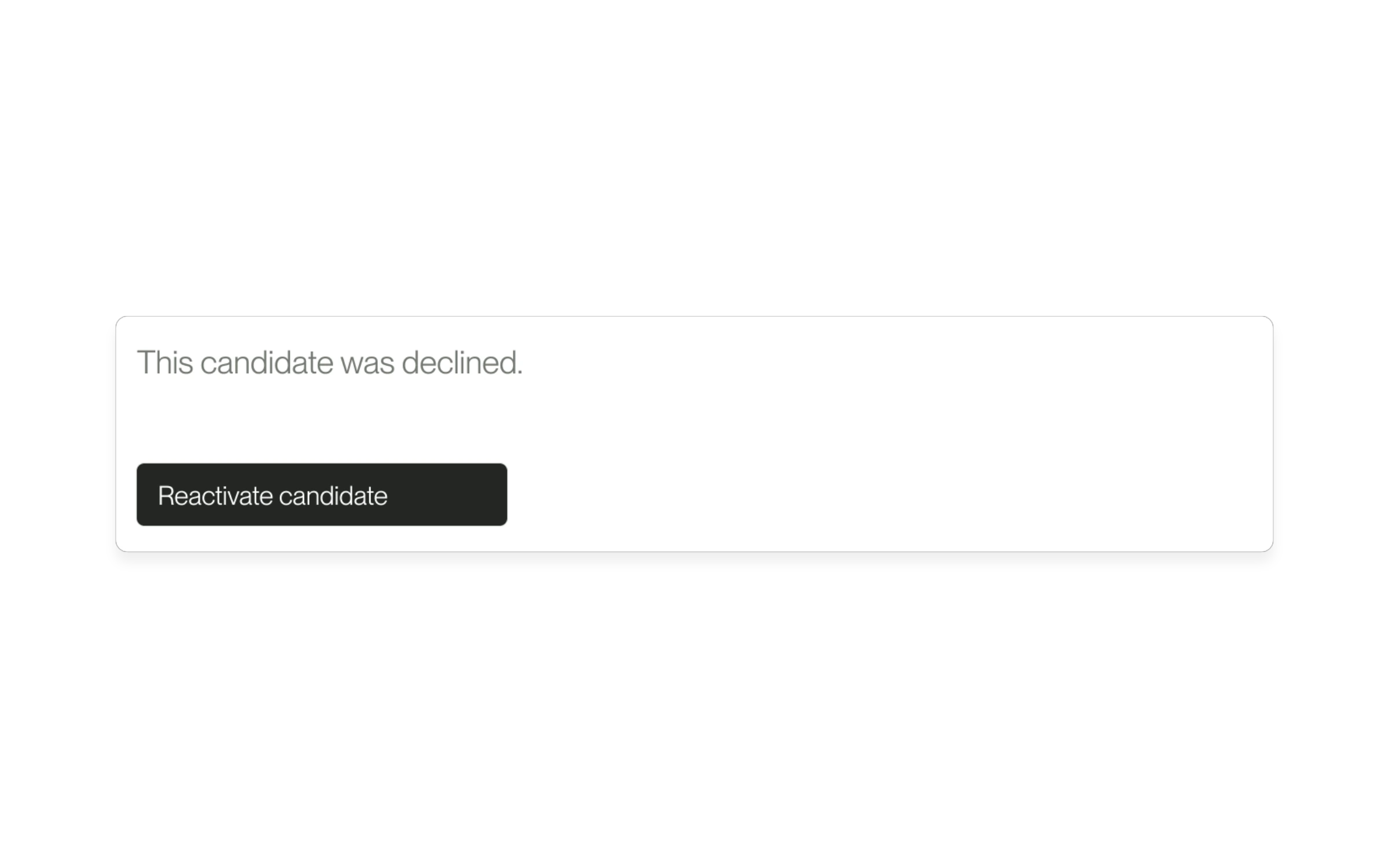
Reconsider a declined candidate
Bring an eligible declined candidate back into consideration.
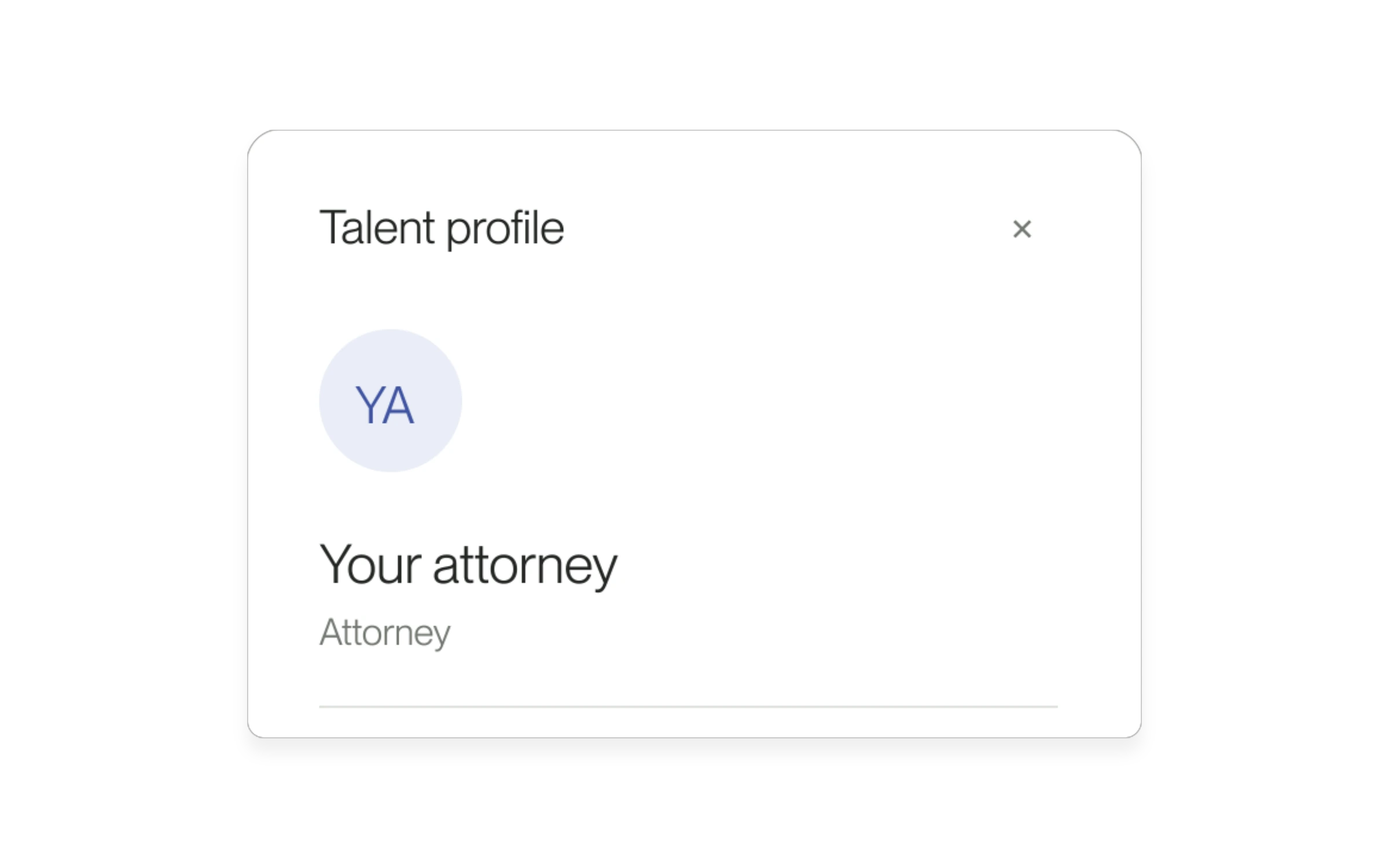
View talent profiles inside Agent
Open a talent profile from an Agent result without leaving your chat.